+1.317.845.5710
+44.1438.310163
USA (Corporate Headquarters)
Europe/Middle East/Asia
22
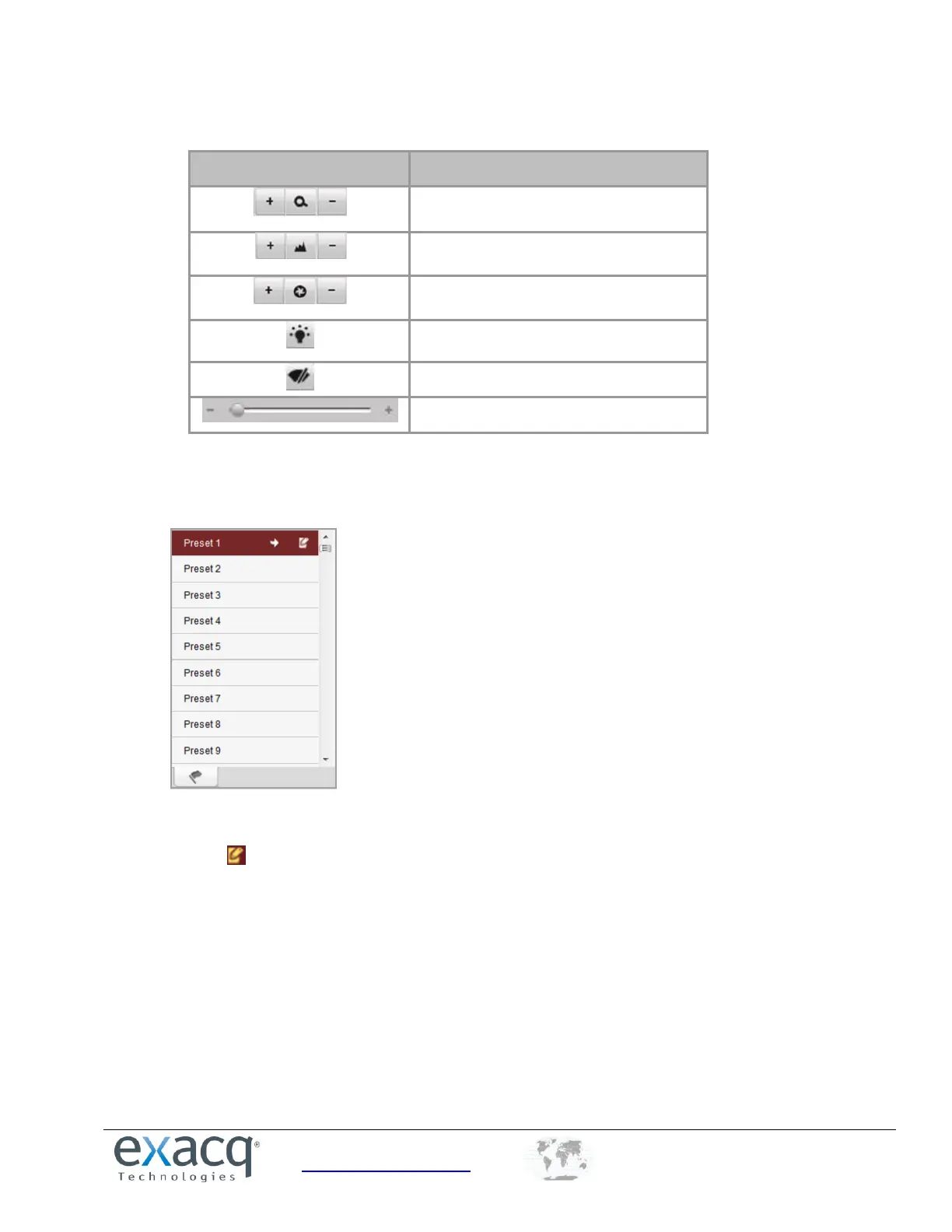
The following controls are also available:
Adjust speed of pan/tilt movement
To configure presets, complete the following steps:
1. In live view mode, select a preset number from the preset list.
2. Use the PTZ control buttons to point the camera in the desired direction with the desired settings. You can use
any of the following commands:
3. Click the icon to set the preset. Up to 256 presets are configurable, depending on the PTZ protocol applied.


 To Next Page