+1.317.845.5710
+44.1438.310163
USA (Corporate Headquarters)
Europe/Middle East/Asia
43
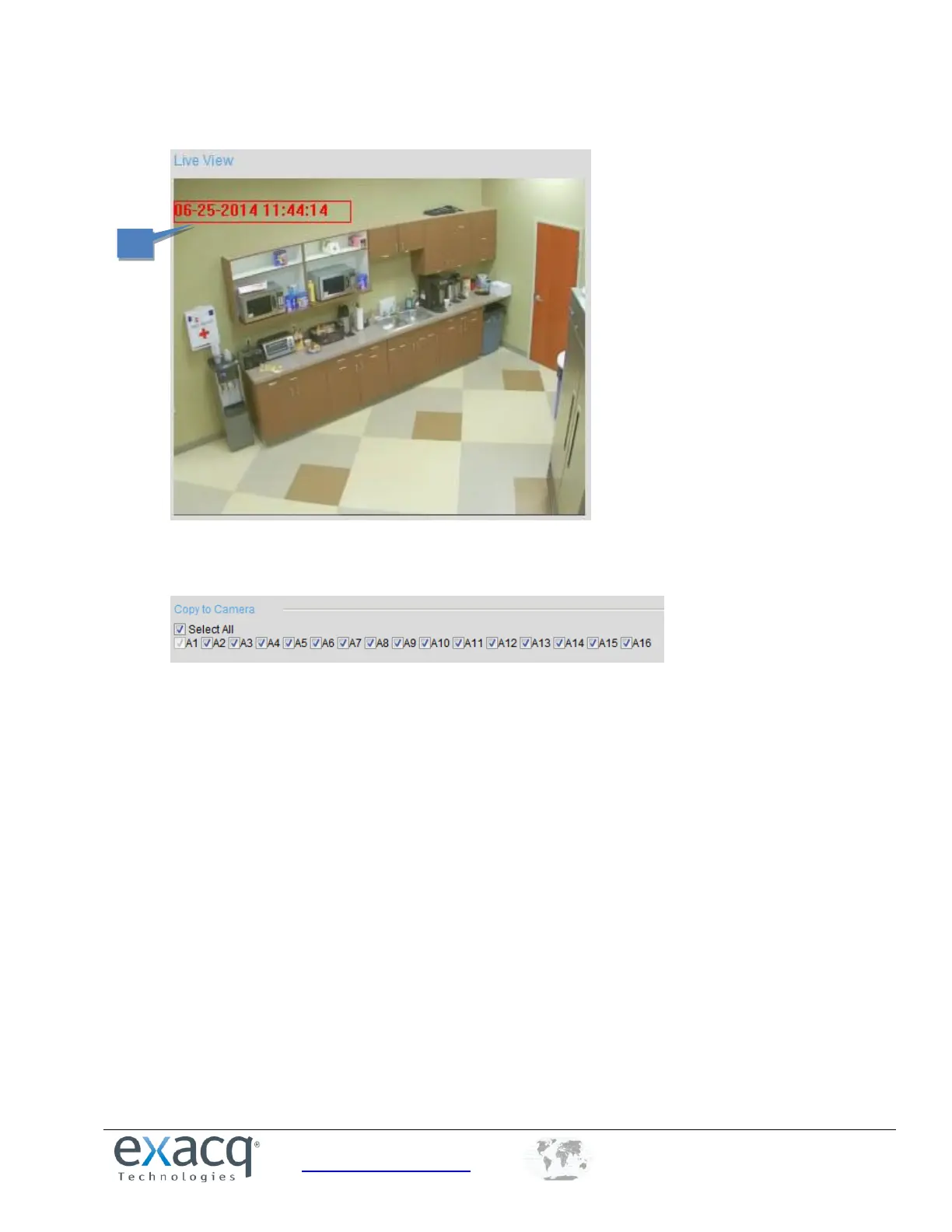
6. In the preview image, you can adjust the OSD location on the screen by moving the text frame.
7. To copy the display settings of the current camera to other cameras, expand the Copy to Camera panel and
select the cameras, or click Select All to select all cameras.
8. Click Save to activate the settings.



 To Next Page