exacqVision User Manual
1/24/2011
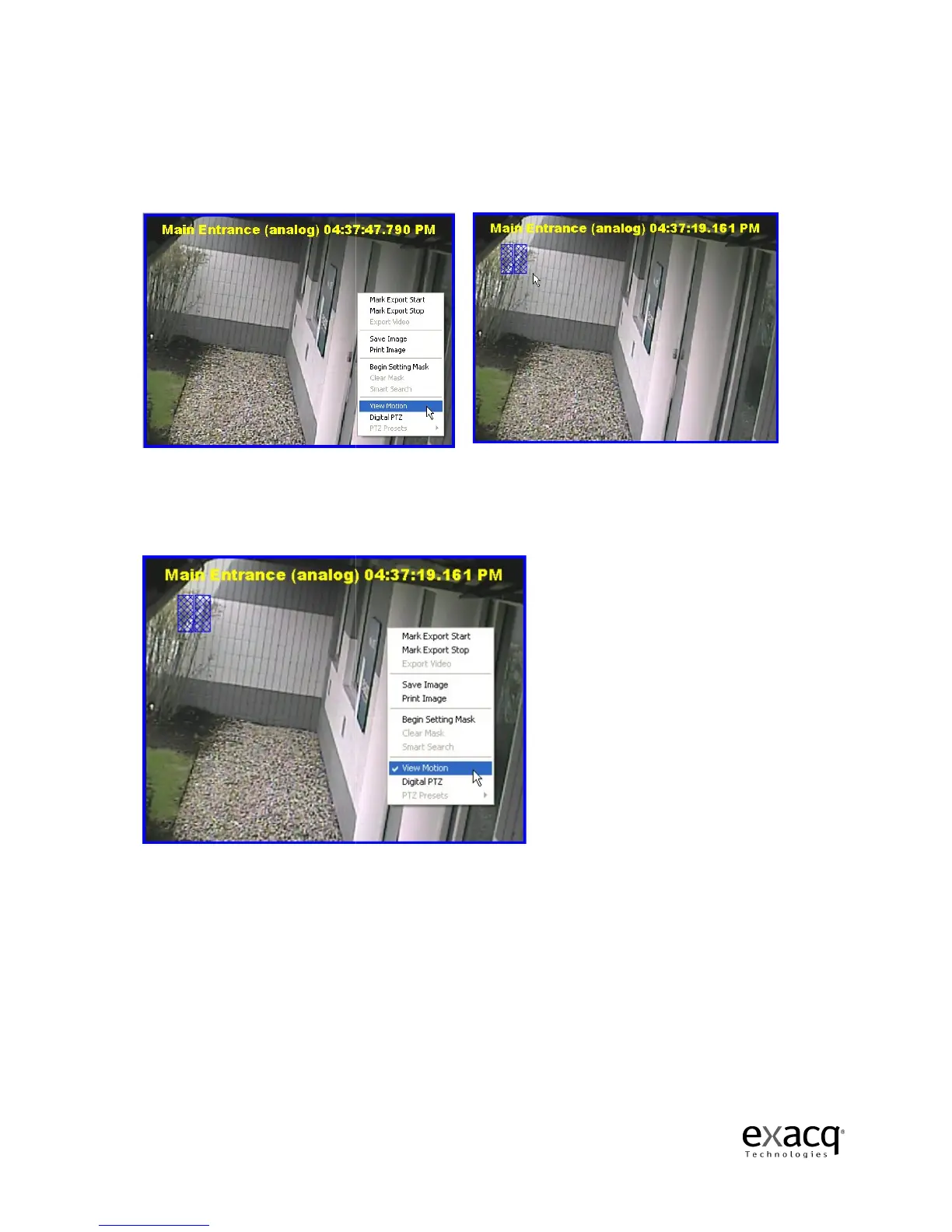
In some cases, wind or
some other invisible motion
can highlight the motion that triggered the recording
anywhere in the playback window and select
on IP cameras.
Blue motion
boxes will mark the area where the motion occurred.
motion boxes, right-click
in the Video Playback window again and select
the checkmark.
Page 73
some other invisible motion
sets off the camera.
can highlight the motion that triggered the recording
to identify the cause
anywhere in the playback window and select
View Motion. NOTE:
This feature is not available
boxes will mark the area where the motion occurred.
When y
in the Video Playback window again and select
ou
right-clicking
This feature is not available
the
Motion to remove



 To Next Page