exacqVision User Manual
1/24/2011
When
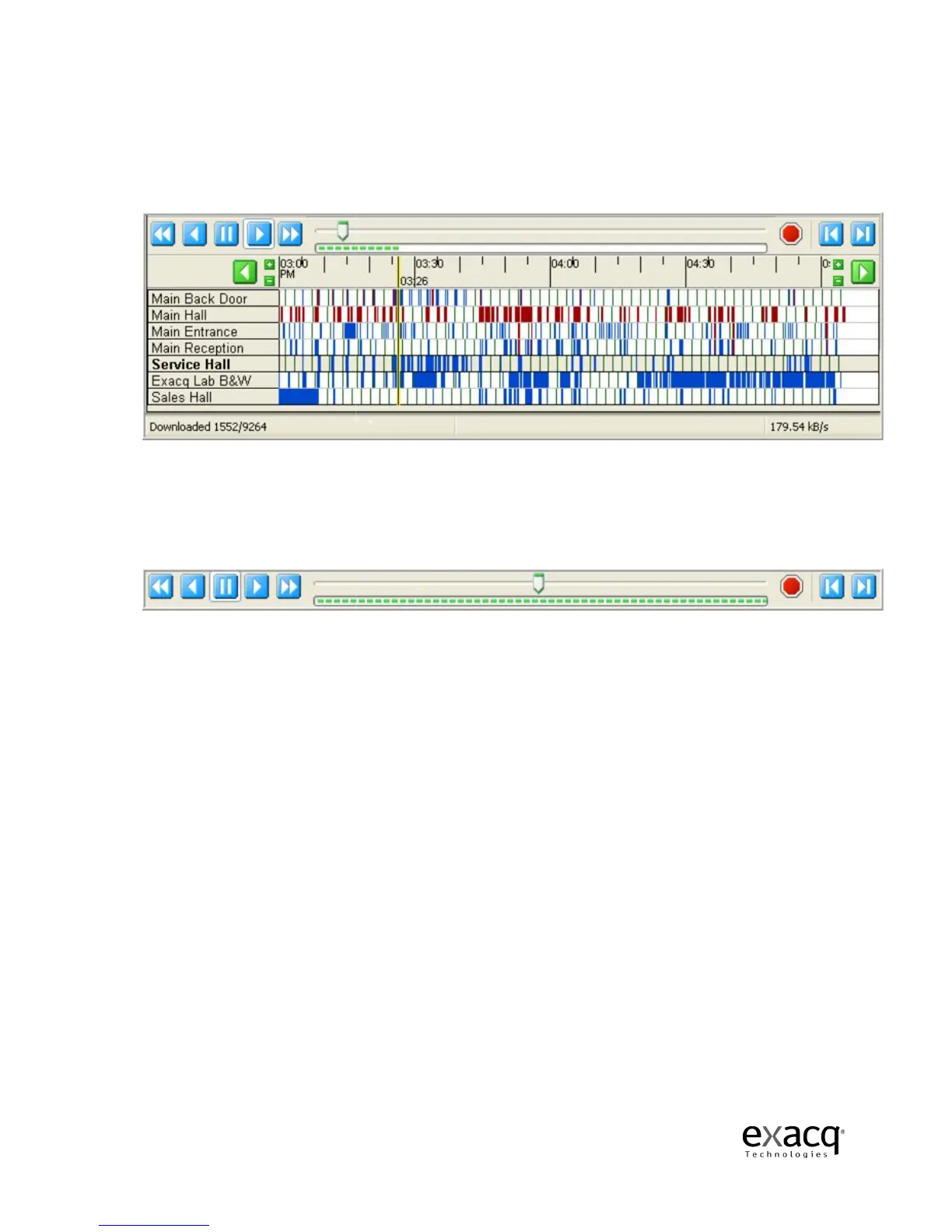
the video playback begins,
download.
The total number of frames in the video segmen
downloaded
will also be displayed in the status bar
Once the download has started, you can scrub back and forth through the video using the Scrub
Bar & Scrub Handle
or the Video Playback Controls
that has downloaded.
You will not have access to the entire video segment until the download is
complete.
You can quickly scan the video by dragging the Scrub Handle
right.
Page 74
the video playback begins,
a blue or green Scrub B
ar will track the progress of the
The total number of frames in the video segmen
t as well as the number that have been
will also be displayed in the status bar
.
Once the download has started, you can scrub back and forth through the video using the Scrub
or the Video Playback Controls
. You can only
scan the portion of the video
You will not have access to the entire video segment until the download is
You can quickly scan the video by dragging the Scrub Handle
ar will track the progress of the
t as well as the number that have been
Once the download has started, you can scrub back and forth through the video using the Scrub
scan the portion of the video
You will not have access to the entire video segment until the download is
to the left or



 To Next Page