exacqVision User Manual
1/24/2011
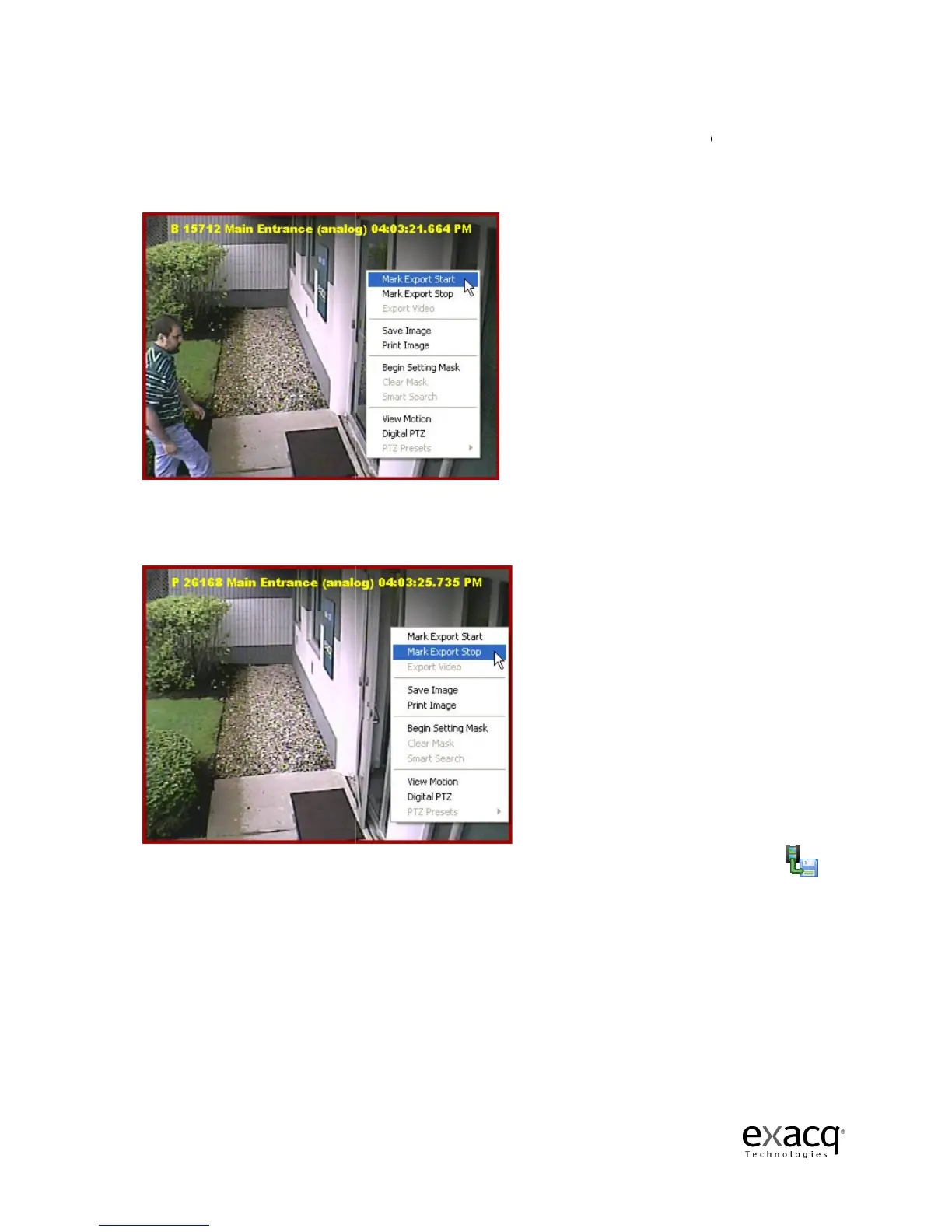
If you need to save a series of frames, you can save a video clip.
first mark the start
ing point of your video clip by
you want your video to clip to begin.
select Mark Export Start.
Use the same process to mark the ending point of you
Video Playback wi
ndow, and select Mark Export Stop
Once you have marked the beginning and end
Page 85
If you need to save a series of frames, you can save a video clip.
ing point of your video clip by
Scrubbing to the location
you want your video to clip to begin.
Right-click
anywhere in the Video Playback window
Use the same process to mark the ending point of you
r video clip, right-
ndow, and select Mark Export Stop
.
Once you have marked the beginning and end
ing points, click the
clip, you must
anywhere in the Video Playback window
and
anywhere in the



 To Next Page