exacqVision User Manual
1/24/2011
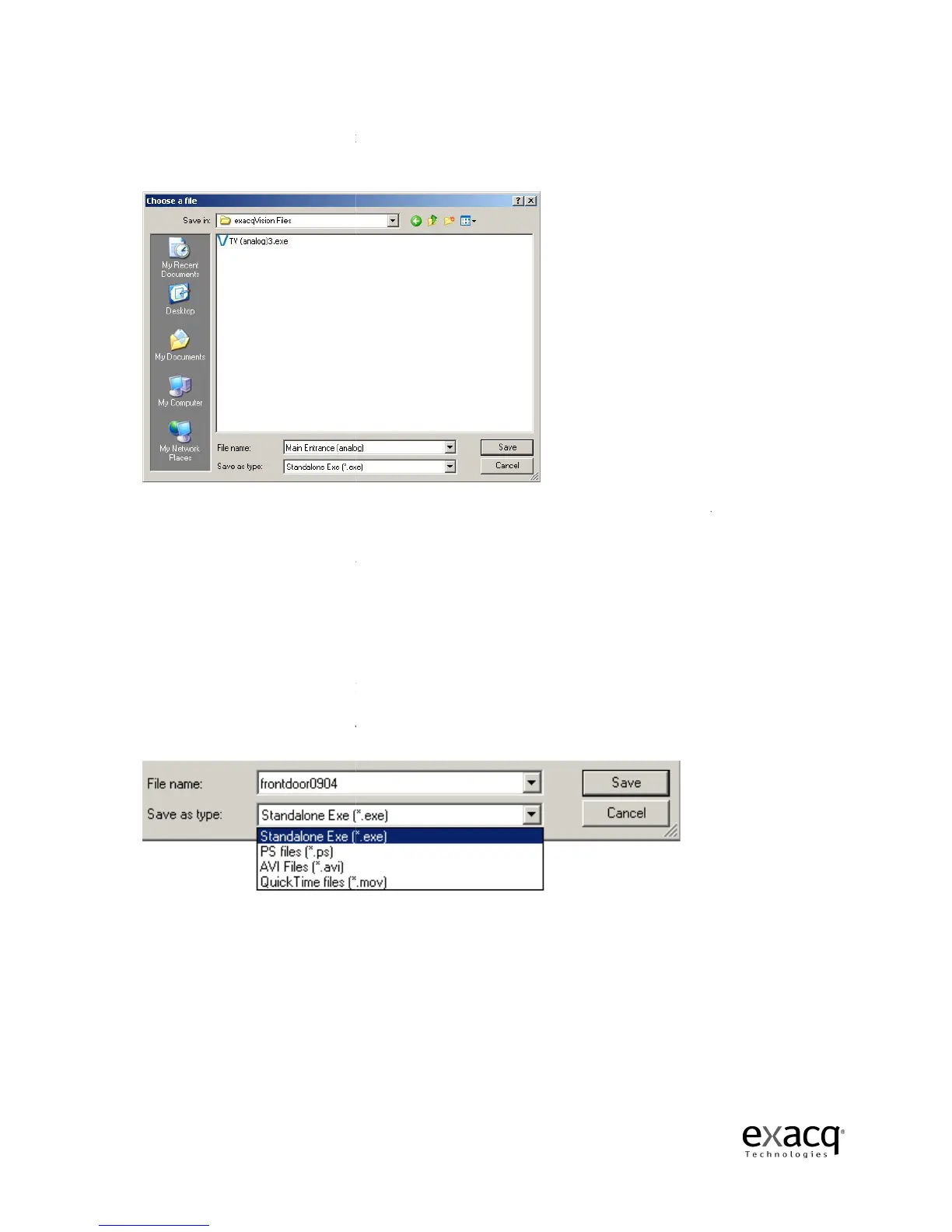
You will be prompted to save the file.
email the files or burn them to a CD or DVD.
The default directory is exacqVision Files in My Documents.
camera name.
You can assign it a unique name or keep it as is.
select a file type.
The system defaults to a standalone *.exe file
run by a Windows user
save the clip as a
user; this will
system, you should save the clip as a *.ps file unless you are emailing
NOTE:
See the chart on the following page for information about file compatibility on each
operating system. Also, an *.exe file can be created using any operating system even though it can
be viewed using only Windows.
Page 86
You will be prompted to save the file.
You can store multiple video
clips in a directory and then
email the files or burn them to a CD or DVD.
The default directory is exacqVision Files in My Documents.
The file name will default to the
You can assign it a unique name or keep it as is.
After
The system defaults to a standalone *.exe file
,
which plays on its own and can be
not have access to an exacqVision Client.
file if you are emailing it to another exacqVision Client
clip.
If you are running the client on a Linux or Mac operating
system, you should save the clip as a *.ps file unless you are emailing
See the chart on the following page for information about file compatibility on each
operating system. Also, an *.exe file can be created using any operating system even though it can
be viewed using only Windows.
clips in a directory and then
The file name will default to the
which plays on its own and can be
ou can
file if you are emailing it to another exacqVision Client
If you are running the client on a Linux or Mac operating
.
See the chart on the following page for information about file compatibility on each
operating system. Also, an *.exe file can be created using any operating system even though it can



 To Next Page