exacqVision User Manual
1/24/2011
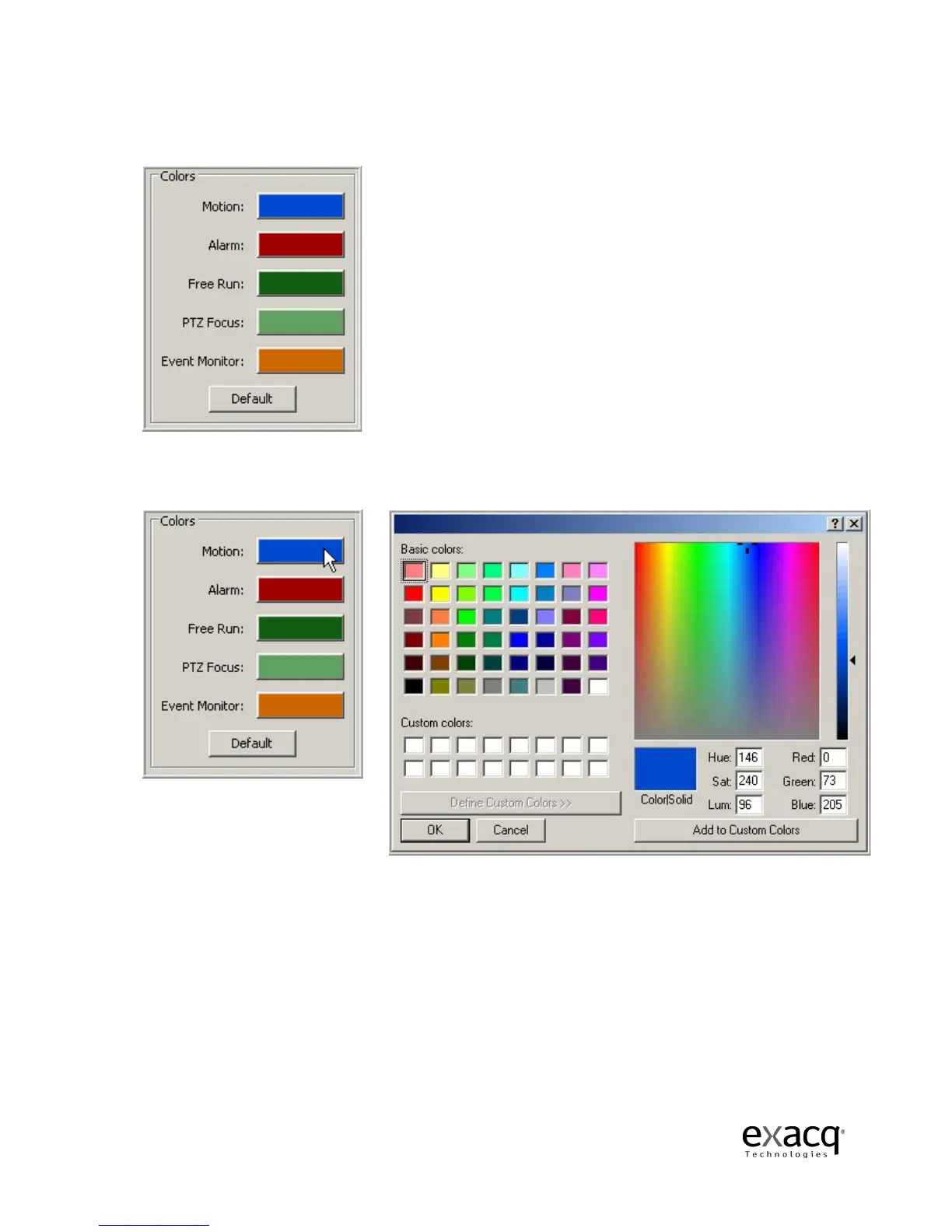
The Colors field gives you the opportunity to change the default border colors for Motion, Alarm,
Free Run,
PTZ Focus and Event Monitor.
To change the color, simply click on the colored bar beside the border you would like to change.
Select a basic color or create a custom color, and then click OK.
Page 98
The Colors field gives you the opportunity to change the default border colors for Motion, Alarm,
PTZ Focus and Event Monitor.
To change the color, simply click on the colored bar beside the border you would like to change.
Select a basic color or create a custom color, and then click OK.
The Colors field gives you the opportunity to change the default border colors for Motion, Alarm,
To change the color, simply click on the colored bar beside the border you would like to change.



 To Next Page