EXCELL PRECISION CO., LTD.
Counting ZSME200000003
38
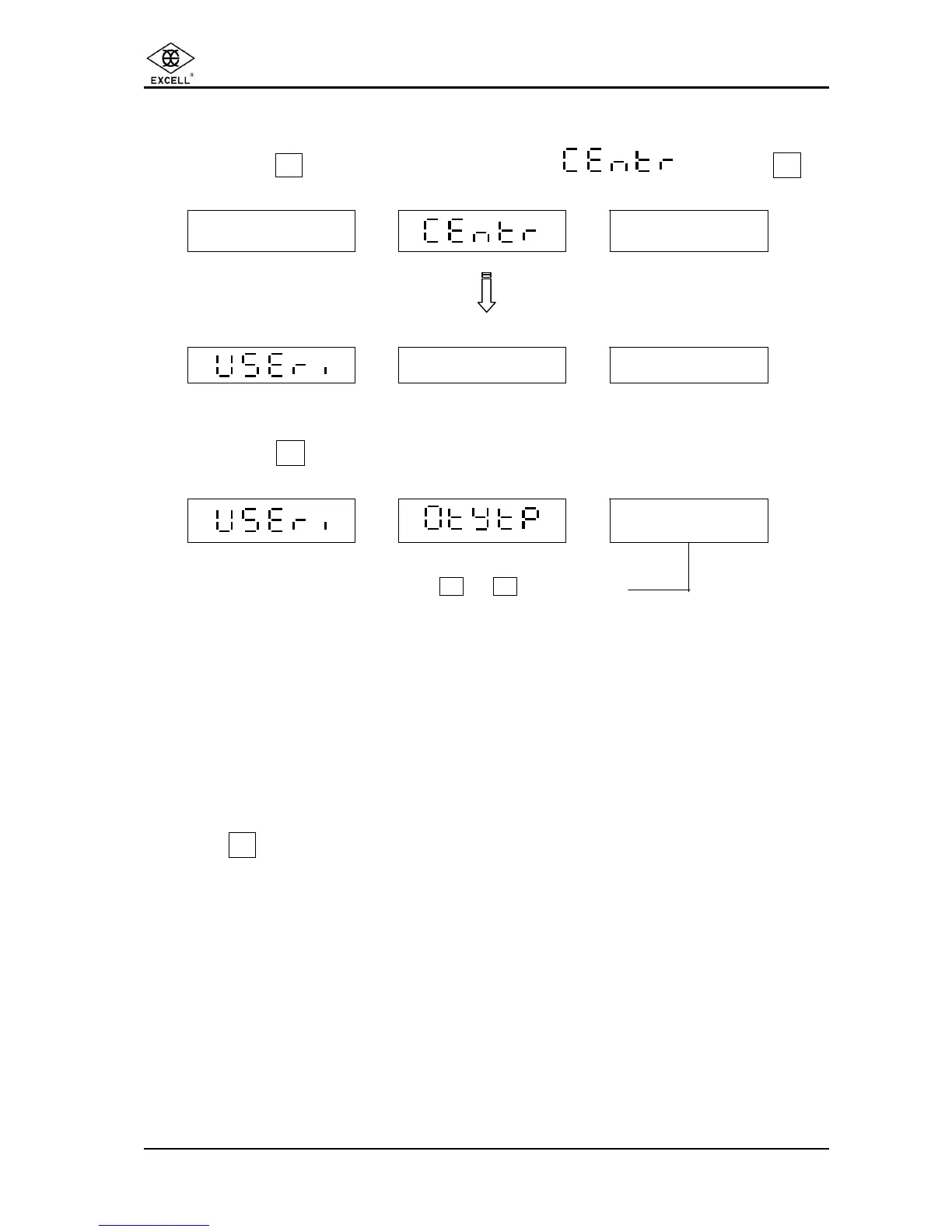
5-3 QUANTITY PRESET OPERATION CONDITIONS
ΠPress the
Z
key until the unit weight displays then press
1
WEIGHT UNIT WEIGHT QUANTITY
- - - - -
- - - - - -
WEIGHT UNIT WEIGHT QUANTITY
• Press the
3
key.
WEIGHT UNIT WEIGHT QUANTITY
.
X
Use the number keys 0 or 1 to select 0 or 1
0 ⇒ The “Q’TY PST” will only operate when the weight is stable.
1 ⇒ The “Q’TY PST” will operate irrespective of the stability of the weight.
Press the . key to exit the setting mode and the scale will return to counting mode.



 To Next Page