EXCELL PRECISION CO., LTD.
Counting ZSME200000003
42
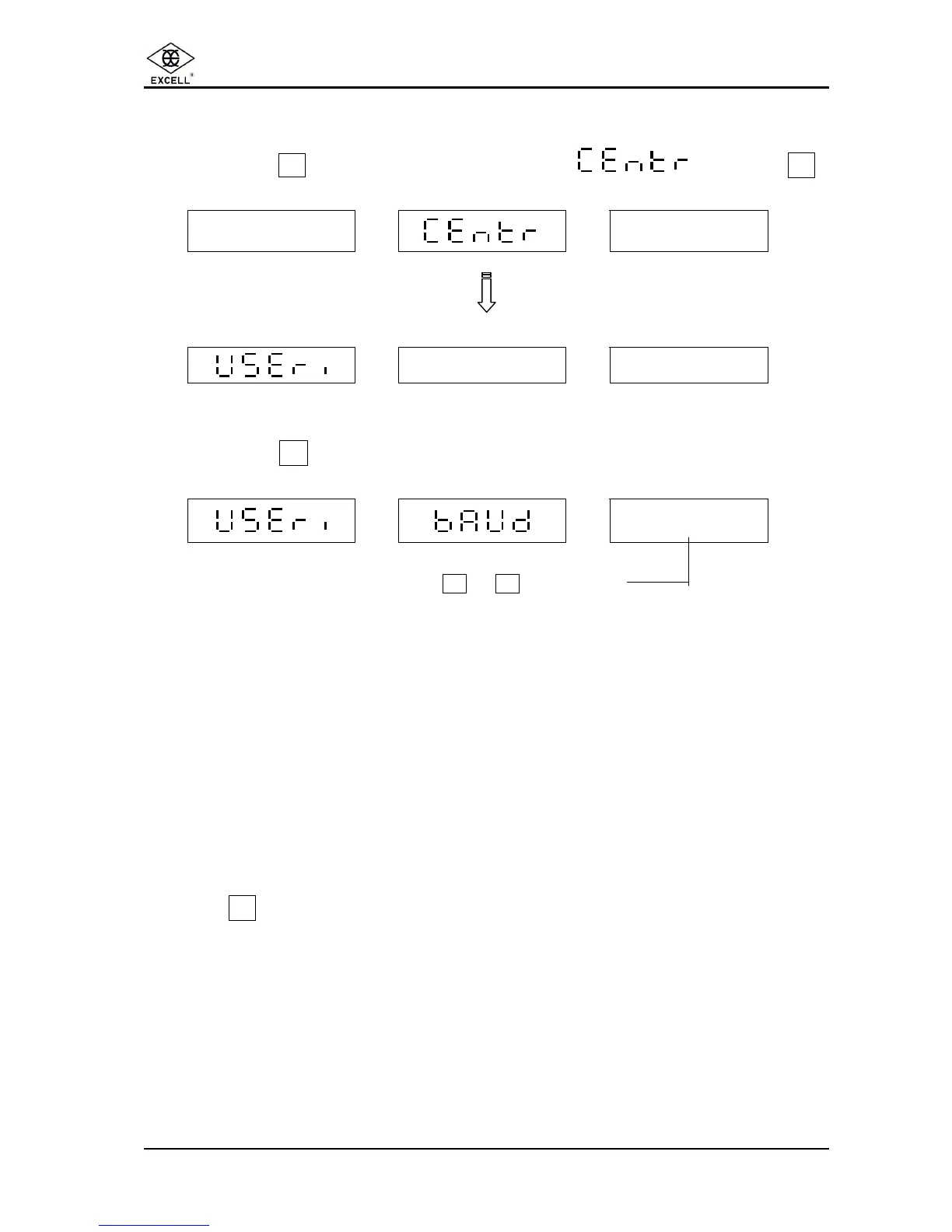
5-7 BAUD RATE SETTING
ΠPress the
Z
key until the unit weight displays then press
1
WEIGHT UNIT WEIGHT QUANTITY
- - - - -
- - - - - -
WEIGHT UNIT WEIGHT QUANTITY
• Press the
7
key.
WEIGHT UNIT WEIGHT QUANTITY
X
Use number keys 0 to 3 key to select
0 ⇒ 1200
1 ⇒ 2400
2 ⇒ 4800
3 ⇒ 9600
Once the setting is done, re-start the scale by turning the power off / on.
Press the . key to exit the setting mode and the scale will return to counting mode.



 To Next Page