Inspecting Fiber Ends
Fiber Inspection Probe 95
Transferring Results With Third-Party Applications
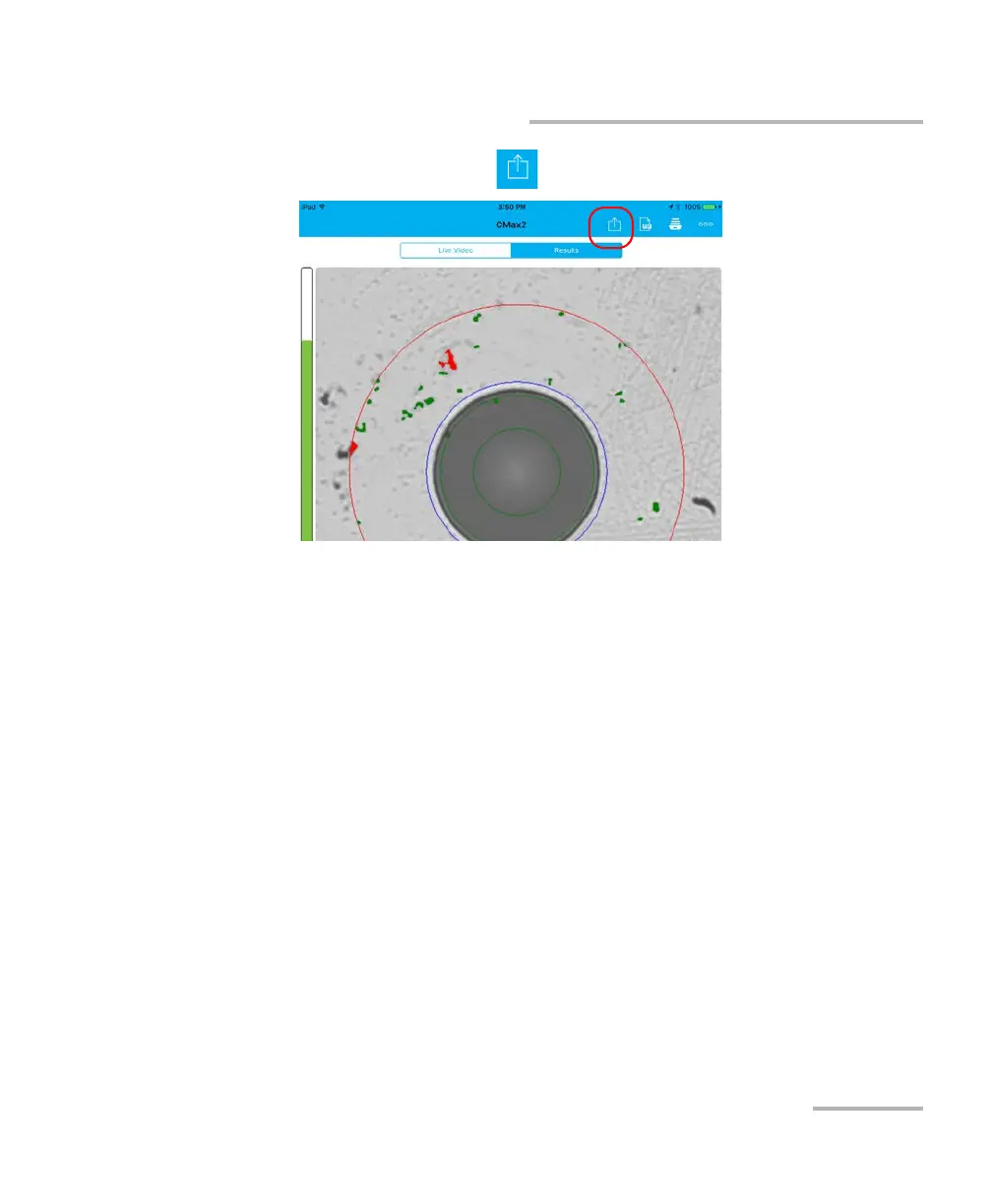
4. In the Results tab, tap .
Note:
To transfer a file, the Auto save feature in the Application Settings must be
set to Always.
5.
Select the type of file (.cmax2 or .png) you want to share.
6.
Select the third-party application you want to work with.
7. Follow the instructions on-screen.












 To Next Page