Setting up Your Fiber Inspection Probe and ConnectorMax2 Mobile
Fiber Inspection Probe 53
Modifying the File Format
Modifying the File Format
The data that can be shared with third-party applications are measurement
files (.cmax2) and images (.png).
By default, you will be prompted to select the file format with which you
want to work.
To modify the file format:
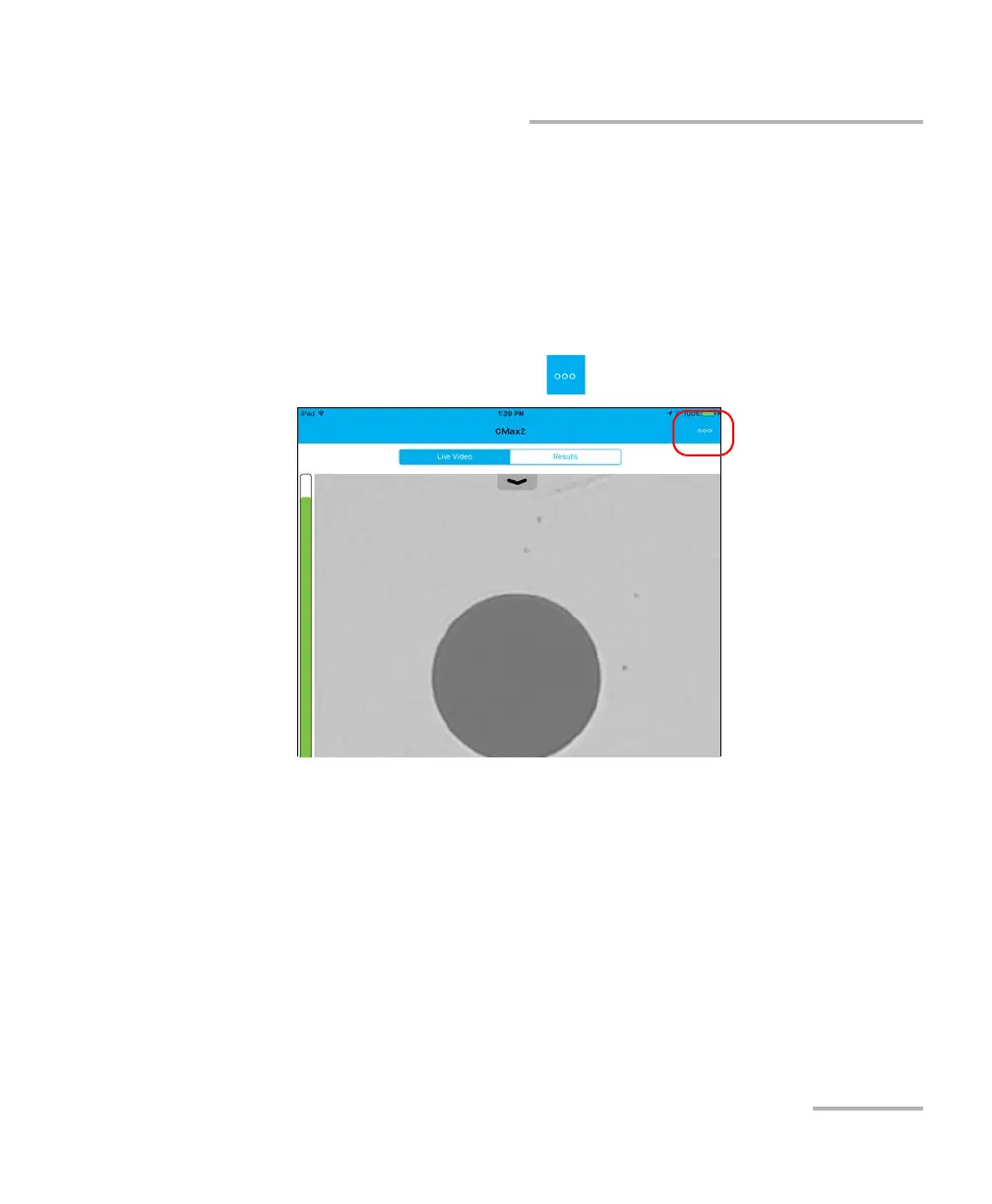
1. From the main window, tap .
2. Select Application Settings.












 To Next Page