Inspecting Fiber Ends
Fiber Inspection Probe 75
Saving Files
Saving Files
You can save the acquisition files manually for future reference.
You can also set ConnectorMax2 Mobile so that it saves the capture
automatically only if the result is Pass, only if the result is Fail, or regardless
of the status. When it is not possible to save a file, the application displays a
message.
Note: Saving a file manually or automatically after performing the first and
second captures of the multiple fiber connector is not possible.
Note: When you return to the Live Video mode, your file name structure will be
automatically incremented or decremented so that you do not overwrite
your work.
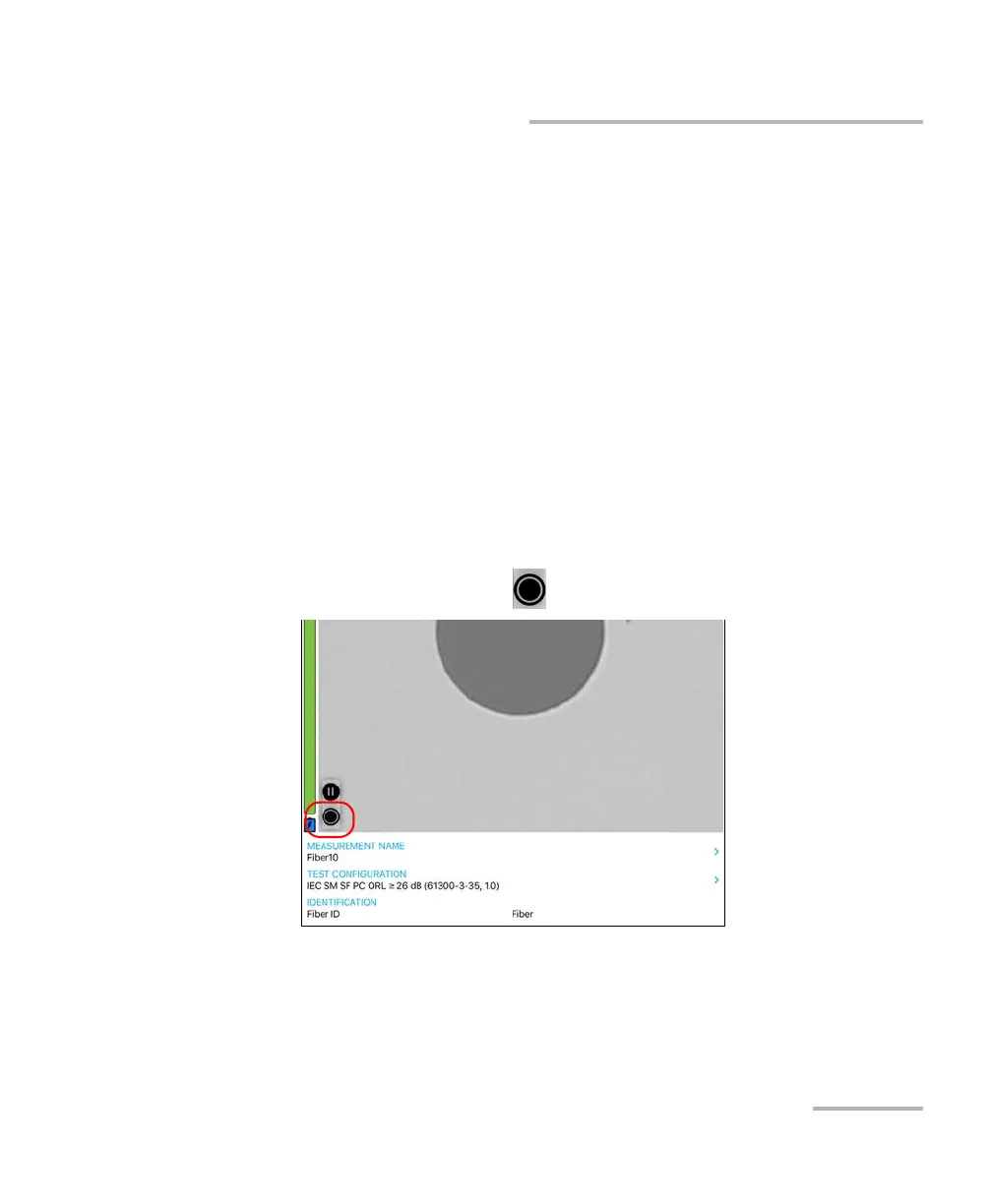
To save file manually:
1. In Live Video mode, tap .
OR
If you are using an MF-Ready probe and you are inspecting a multifiber
connector, perform the three captures. See Inspecting Multiple Fiber
Ends (MF-Ready Probes Only) on page 65 for details.












 To Next Page