Setting up Your Fiber Inspection Probe and ConnectorMax2 Mobile
Fiber Inspection Probe 23
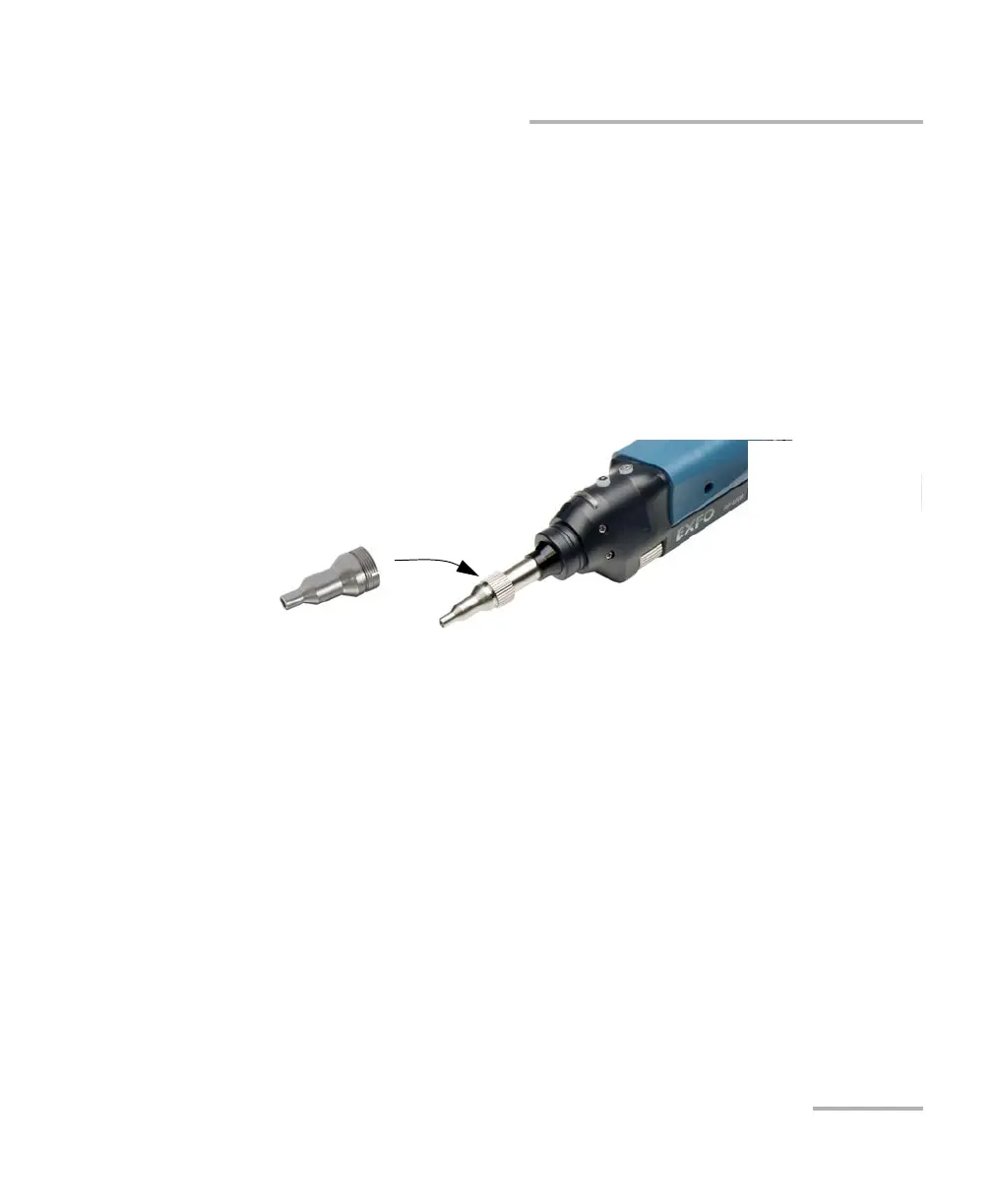
Changing the Fiber Inspection Probe Tip
Changing the Fiber Inspection Probe Tip
You can use various tips depending on the type of connector you are
inspecting. For more information about tips you can use, see the Fiber
Inspection Probe Tip Compatibility Chart on page 121, or contact your
vendor for additional information.
To inspect single fibers or transceivers with MF-Ready probes, you need to
remove the inspection tip first. You also need to select the tip
corresponding to the type of connector you want to inspect. See Changing
the FIP Nozzle (MF-Ready Probes Only) on page 24 for details.
To change a tip:
1. Untighten the tip’s retaining nut.
2. Remove the tip.
3. Insert a new tip.
4. Adjust the tip to the notch.
5. Retighten the retaining nut.












 To Next Page