Setting up Your Fiber Inspection Probe and ConnectorMax2 Mobile
40 FIP-400B
Setting up Auto Capture
Setting up Auto Capture
Note: The auto capture is a feature available for FIP-435B probes only. However,
this feature is not available for FIP-435B MF-Ready probes testing multifiber
connectors. See Available Models on page 5 for details.
As soon as the application detects that you are working in Live Video
mode, the feature is enabled, and if the focus level is acceptable, a capture
is made automatically. This is known as the auto capture.
Note: The auto capture is only possible in high magnification.
To enable the auto capture:
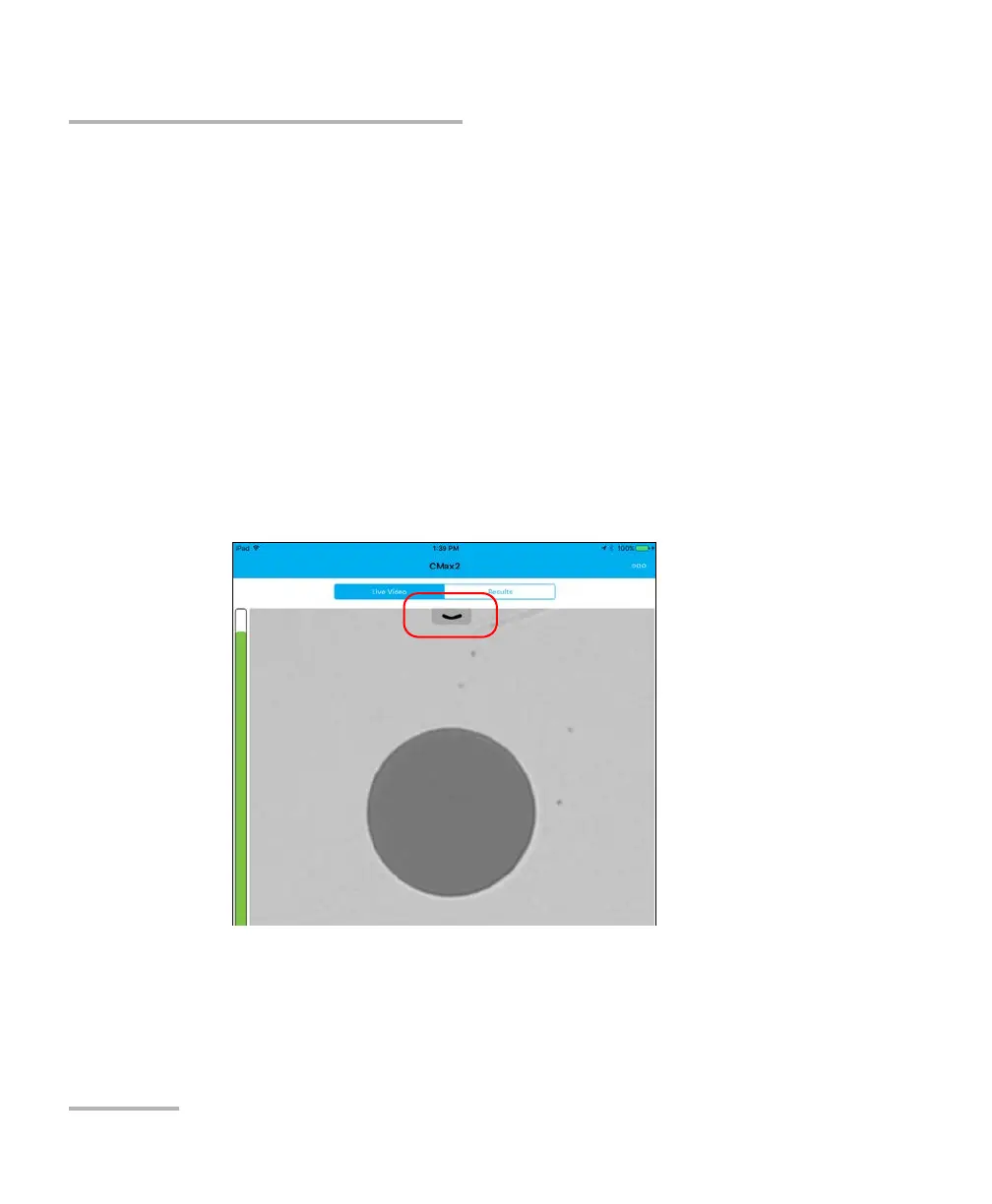
1. In Live Video mode, touch the arrow.












 To Next Page