Inspecting Fiber Ends
Fiber Inspection Probe 89
Creating and Viewing Reports
Creating and Viewing Reports
You can create a report based on the current inspection and analysis
results. This report can be saved in PDF.
You can view the report as soon as it is generated, or you can select it in the
Archive mode.
Note: The report creation is available only in the Results tab.
To create a report manually:
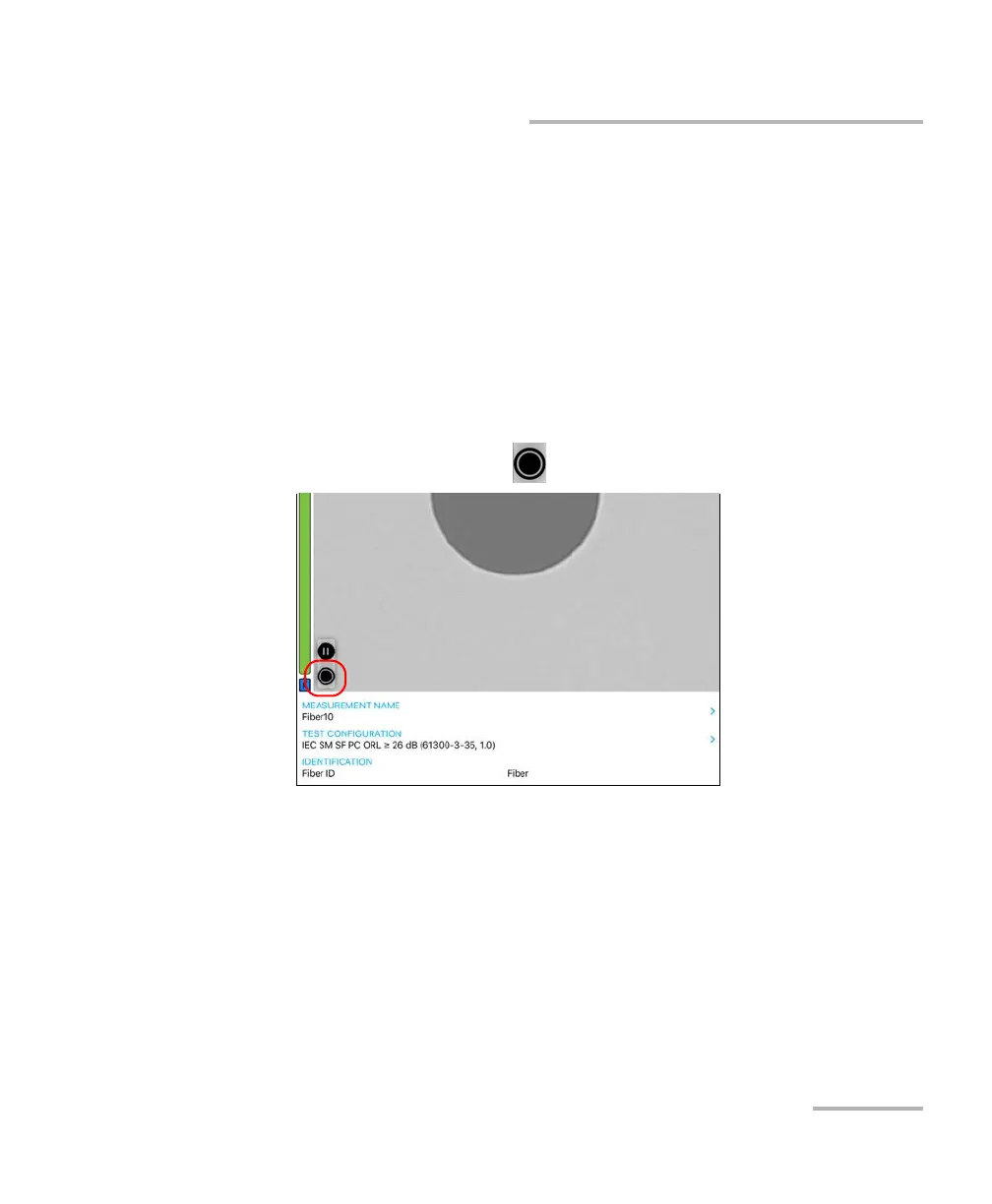
1. In Live Video mode, tap .
OR
If you are using an MF-Ready probe and you are inspecting a multifiber
connector, perform the three captures. See Inspecting Multiple Fiber
Ends (MF-Ready Probes Only) on page 65 for details.












 To Next Page