Fiber Inspection Probe 121
A Fiber Inspection Probe Tip
Compatibility Chart
With some tips that include lenses, and before performing an automatic
focus, you must adjust the focus manually for the first inspection.
Note: The tips for which the probe requires a manual focus before the first
inspection are listed in the table below.
To reach the focus level manually:
1. Bring the focus manually close to the focal point.
2. Activate the auto focus or press the magnification control button on the
probe and hold it down until the auto focus is activated again.
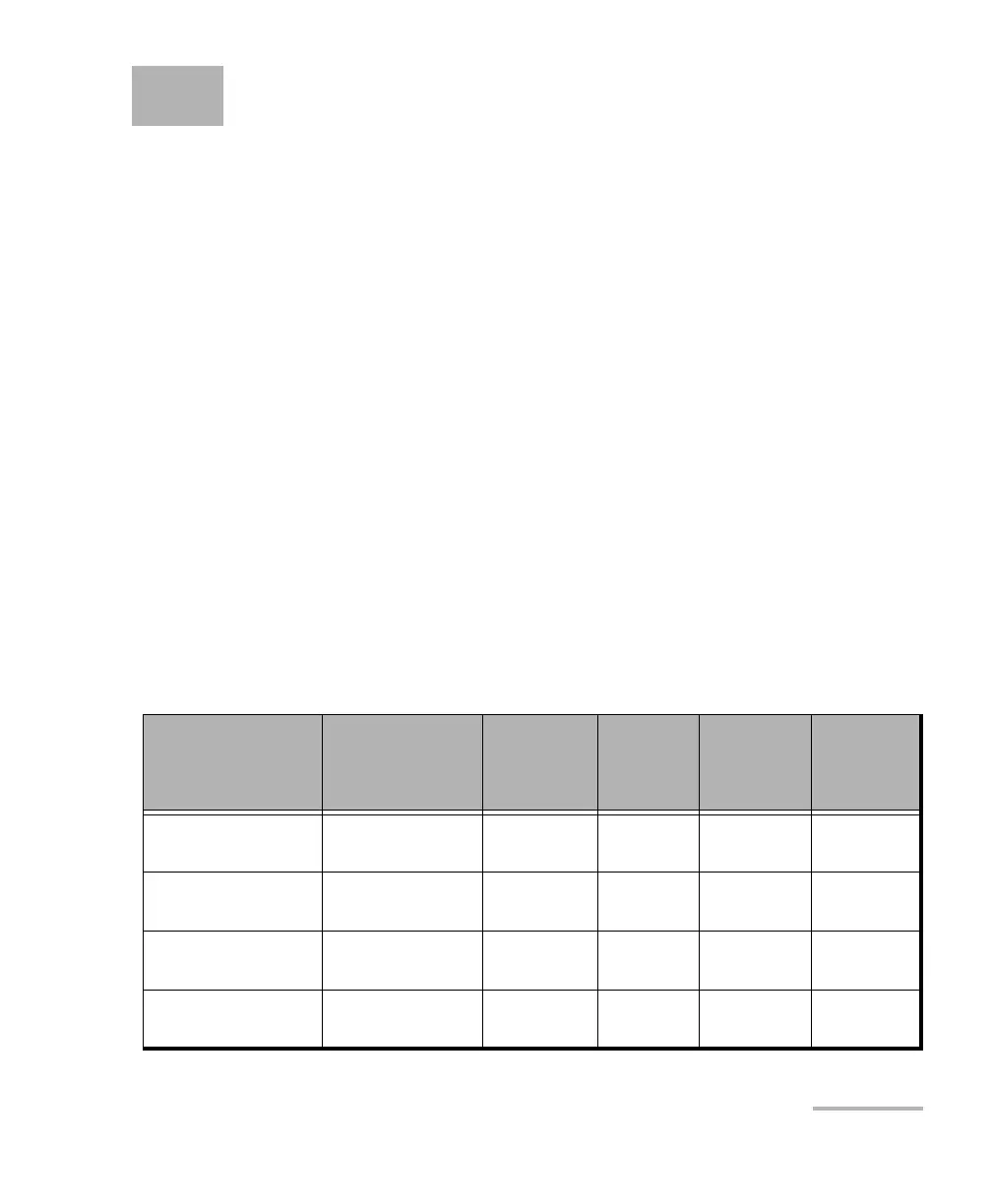
The table below establishes the Fiber Inspection Probe tip compatibility
with the different operations: fiber inspection, auto analysis (option), auto
focus (option), and auto detection (option) provided with the
ConnectorMax2 Mobile application.
Note: You can install the tips described below on FIP-425B and FIP-435B
MF-Ready probes. For more information on the features available for your
probe, see Available Models on page 5.
Tip Description Tip Code
Inspection
(all models)
Analysis
(FIP-425B/
FIP-435B)
Auto focus
(FIP-435B)
Connector
Auto
detection
(FIP-435B)
Uni.2.5mm for PC
connector
FIPT-400-U25M OK OK OK OK
Uni.2.5mm for APC
connector
FIPT-400-U25MA OK OK OK OK
Uni.1.25mm for PC
Connector
FIPT-400-U12M OK OK OK OK
Uni.1.25mm for
APC connector
FIPT-400-U12MA OK OK OK OK












 To Next Page