Troubleshooting
110 FIP-400B
Changing the File Contents
Changing the File Contents
The application allows you to choose between two different file formats.
Each format is used for different purposes.
enhanced format: used to solve troubleshooting problems. This type of
format should be selected when it is recommended by the technical
support. It increases significantly the file size.
normal format: selected by default.
To change the file contents:
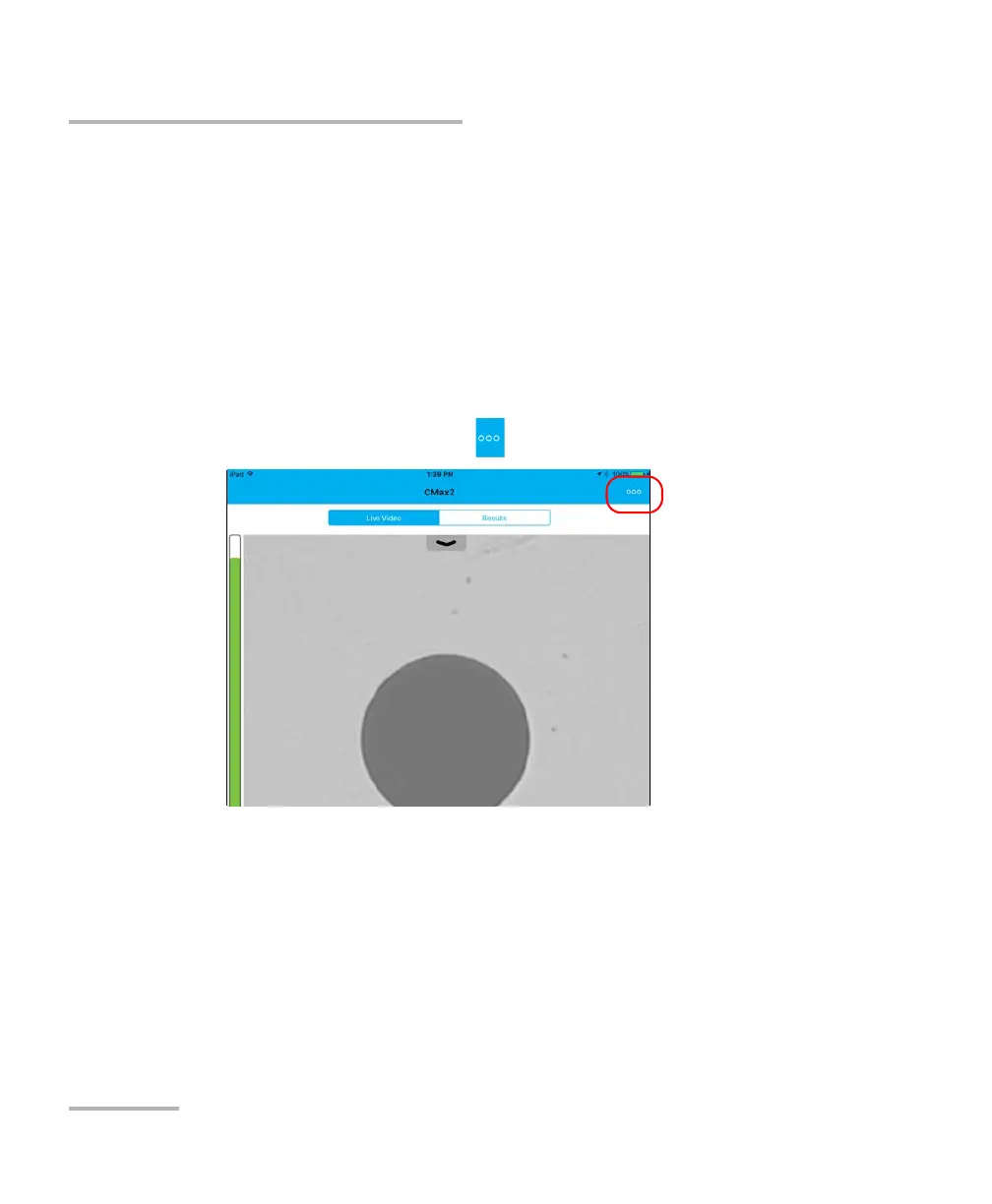
1. From the main window, tap .
2. Select Application Settings.





 To Next Page