Inspecting Fiber Ends
98 FIP-400B
Transferring Results With Third-Party Applications
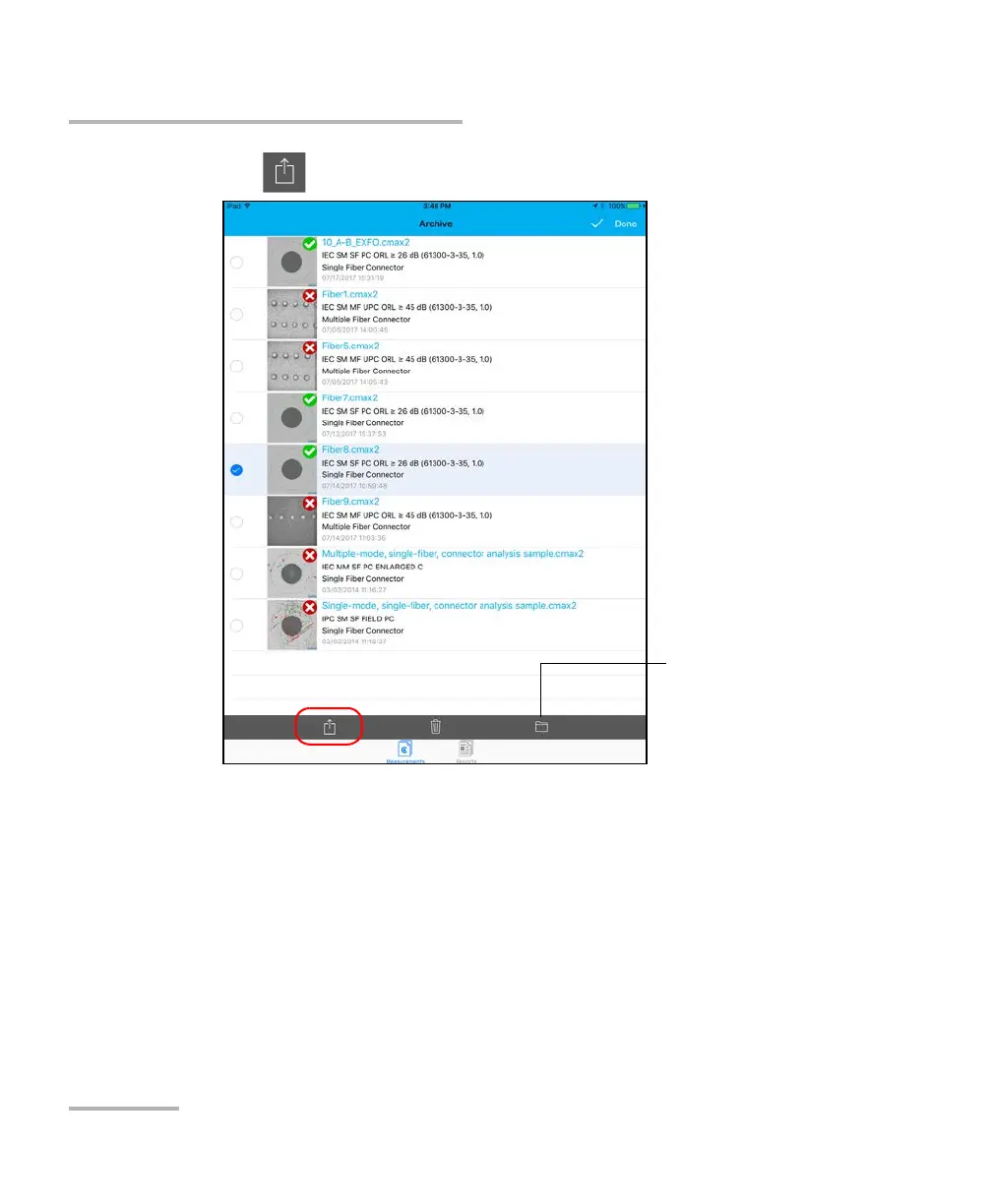
8. Tap .
9.
Select the type of file (.cmax2 or .png) you want to share.
Note: If you share a report, the type of file (PDF) is selected by default.
10.
Select the third-party application you want to work with (Google Drive
or Dropbox for example).
11. Follow the instructions on-screen.
Tap to select or unselect
all files












 To Next Page