Maintenance
Fiber Inspection Probe 105
Replacing the Battery (FIP-425B and FIP-435 Models Only)
To replace the battery:
1. Turn off the probe.
2. Unplug any power cable.
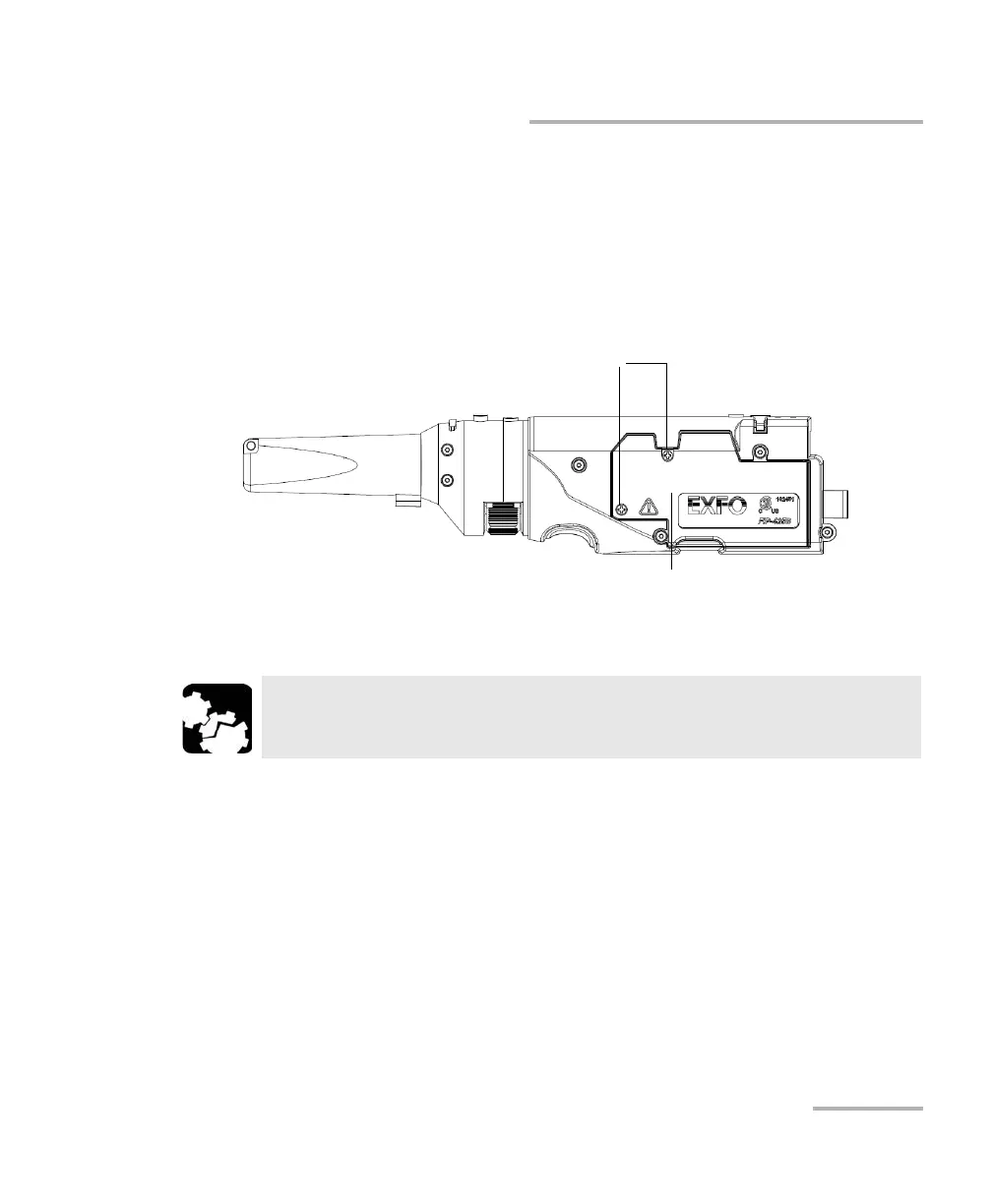
3. Using a screwdriver, remove the two screws that are located on the
side of the probe.
4. Remove the battery compartment door.
CAUTION
Gently pull on the battery to avoid damaging the wires.
Screws
Battery compartment door












 To Next Page