Setting up Your Fiber Inspection Probe and ConnectorMax2 Mobile
Fiber Inspection Probe 27
Changing the FIP Nozzle (MF-Ready Probes Only)
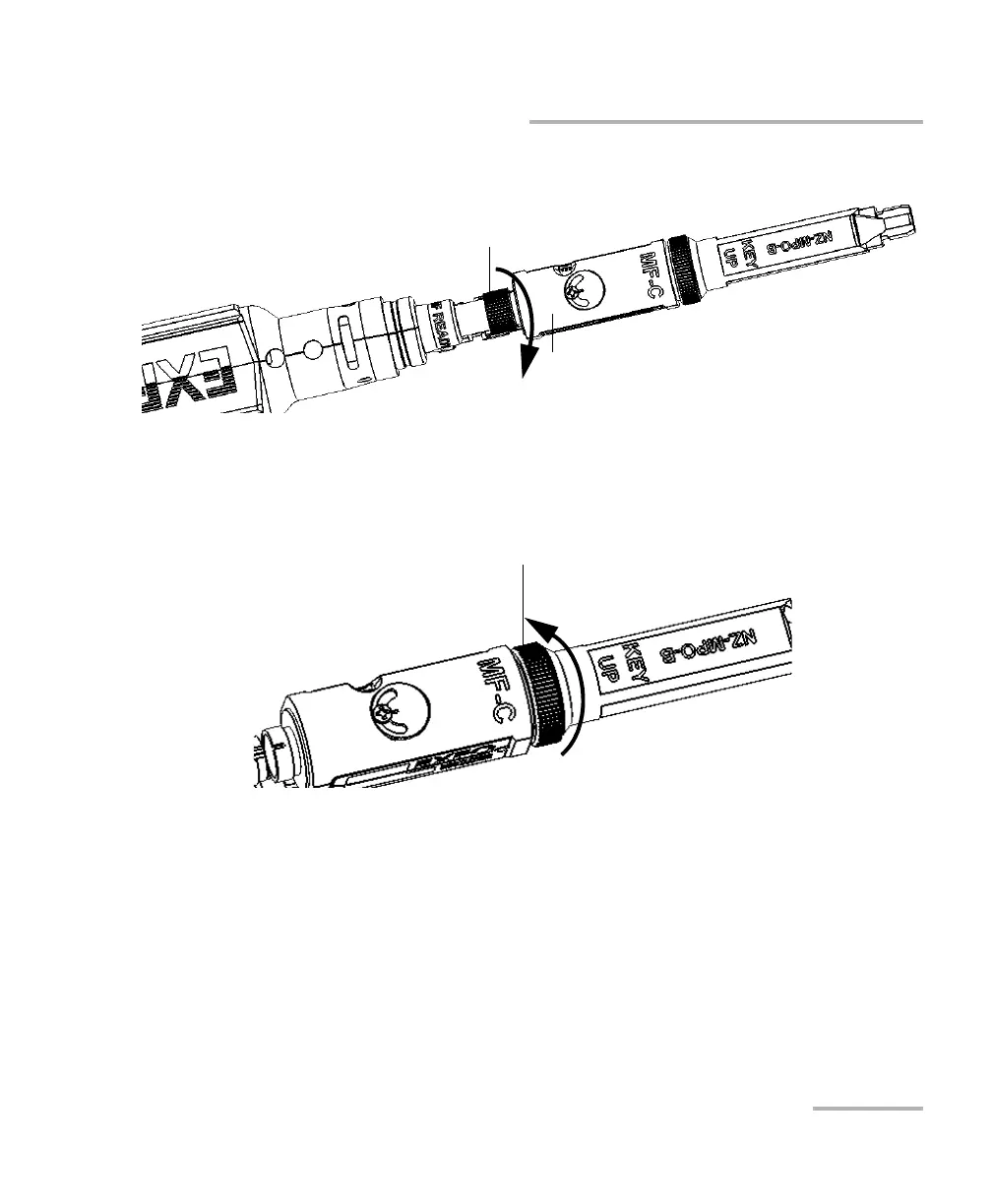
5. Tighten the retaining nut clockwise.
You are now ready to perform a multifiber capture.
To change the removable nozzle:
1. Untighten the retaining nut counterclockwise.
2. Remove the nozzle from the inspection tip.
3. Depending on the patch panel you are inspecting, insert a removable
nozzle on the metal rod of the inspection tip key up or key down (as
written on the nozzle).
Inspection tip (movable part)
Retaining nut












 To Next Page