Setting up Your Fiber Inspection Probe and ConnectorMax2 Mobile
Fiber Inspection Probe 29
Changing the FIP Nozzle (MF-Ready Probes Only)
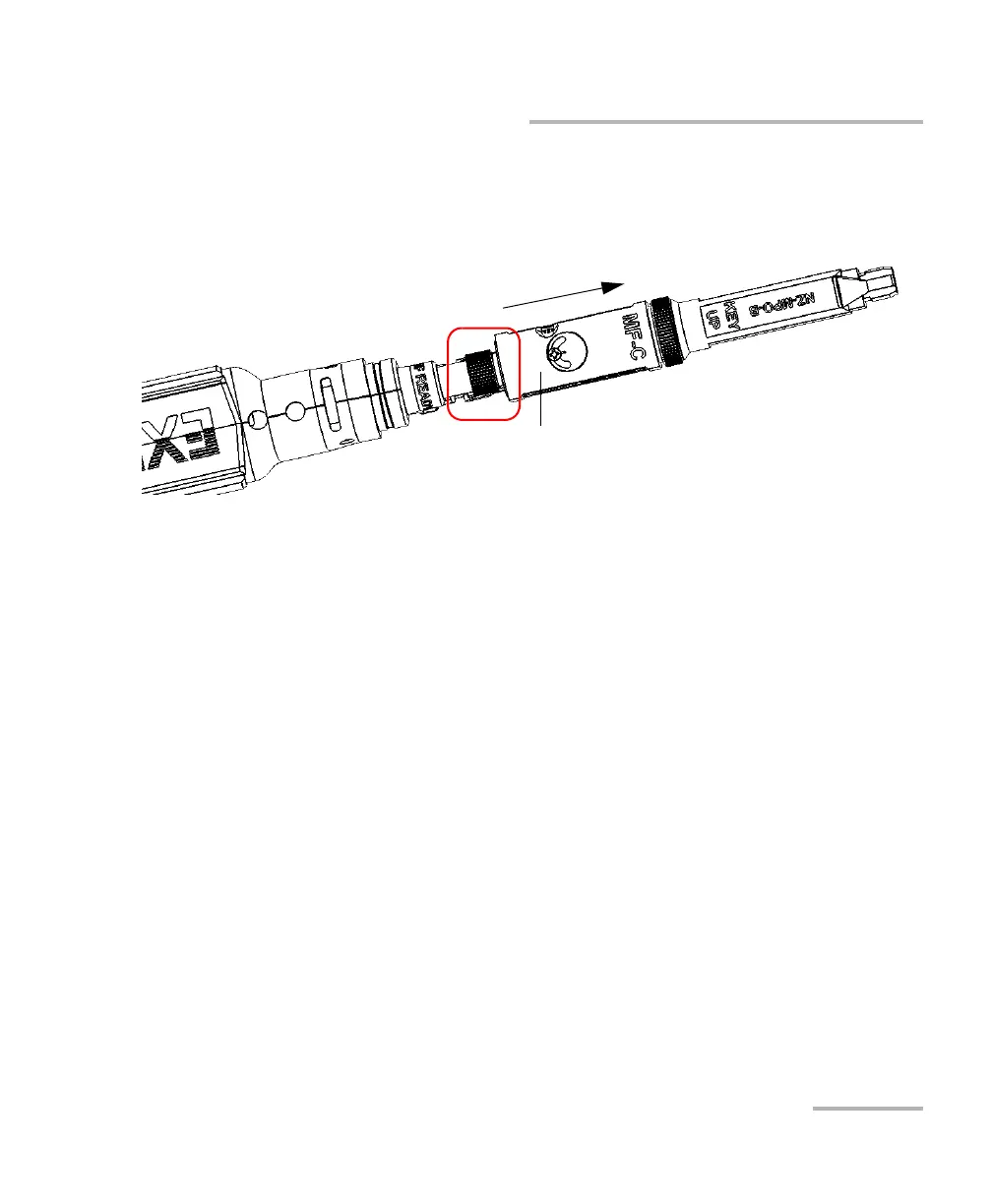
To remove the inspection tip:
1. To expose the retaining nut, slide the movable part of the inspection
tip, using the trigger, until it stops.
2. Untighten the retaining nut counterclockwise.
3. Remove the inspection tip from the MF-Ready probe.
You can insert a tip which is not dedicated to multifiber inspection on your
MF-Ready probe. See Changing the Fiber Inspection Probe Tip on page 23
for details.
Inspection tip (movable part)












 To Next Page