Inspecting Fiber Ends
Fiber Inspection Probe 77
Saving Files
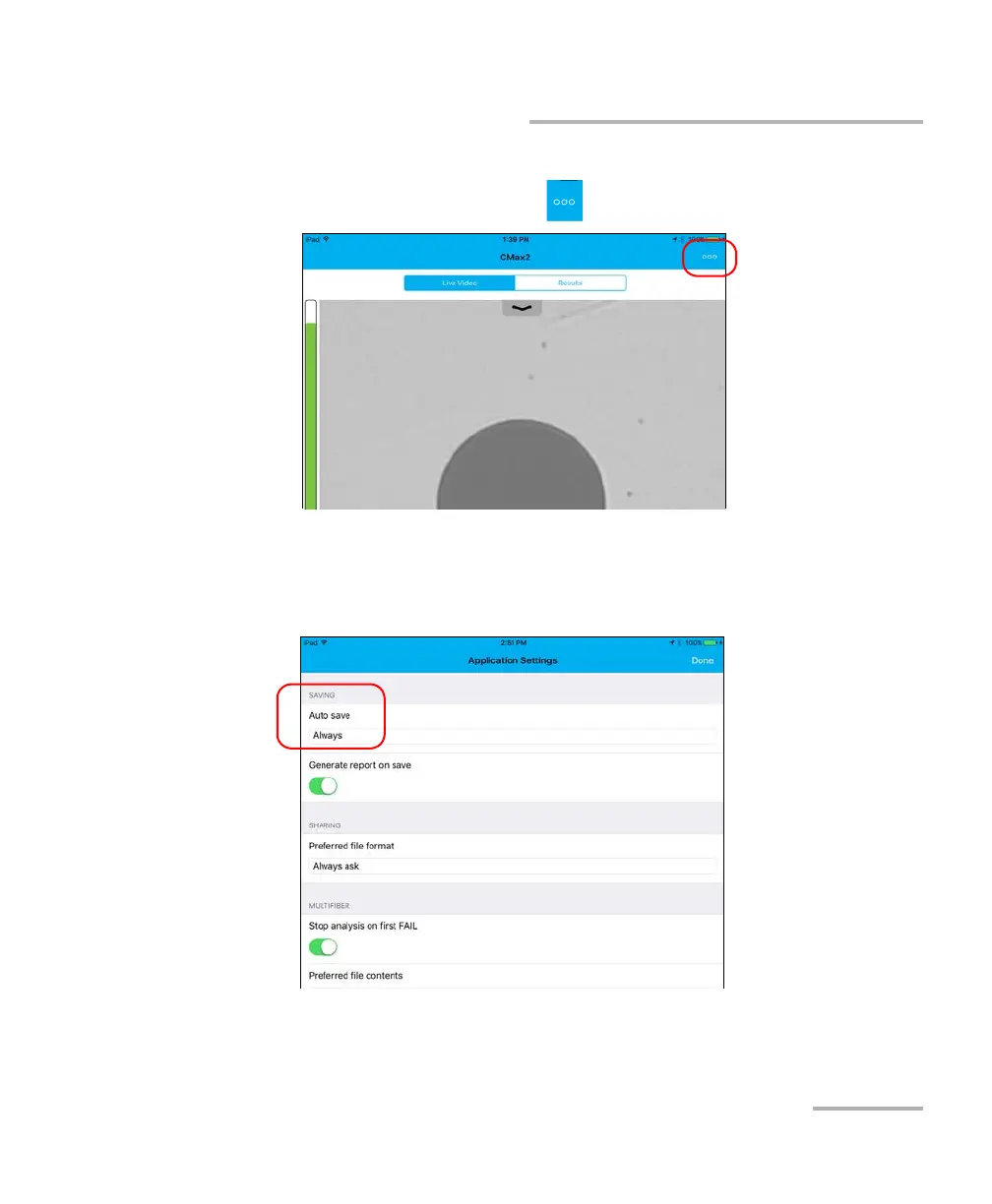
To save file automatically:
1. From the main window, tap .
2. Select Application Settings.
3. Under Saving, tap on Auto save and navigate through the list by
scrolling through the words that are greyed.
4. Tap Done to confirm your choice.
5. Tap Done to return to the main window.












 To Next Page