Inspecting Fiber Ends
Fiber Inspection Probe 91
Creating and Viewing Reports
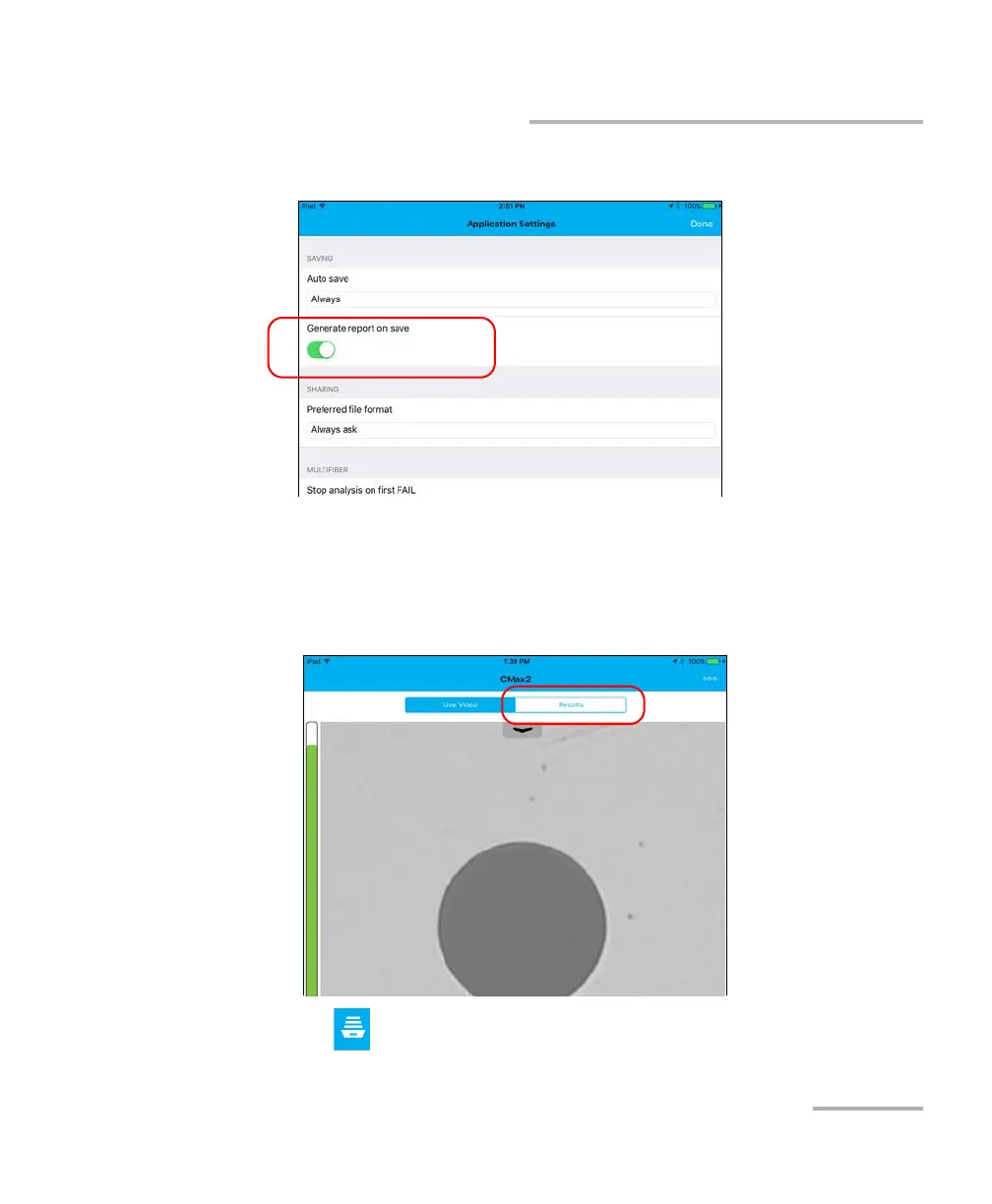
3. Activate the button next to the Generate report on save option.
4. Tap Done to return to the main window.
To view an existing report:
1. If you do not want to view the report as soon as it is generated, in Live
Video mode, tap the Results tab.
2. Tap .












 To Next Page