Setting Up Your FTB-1v2 and FTB-1v2 Pro
FTB-1v2 and FTB-1v2 Pro 95
Selecting the Language of Operation
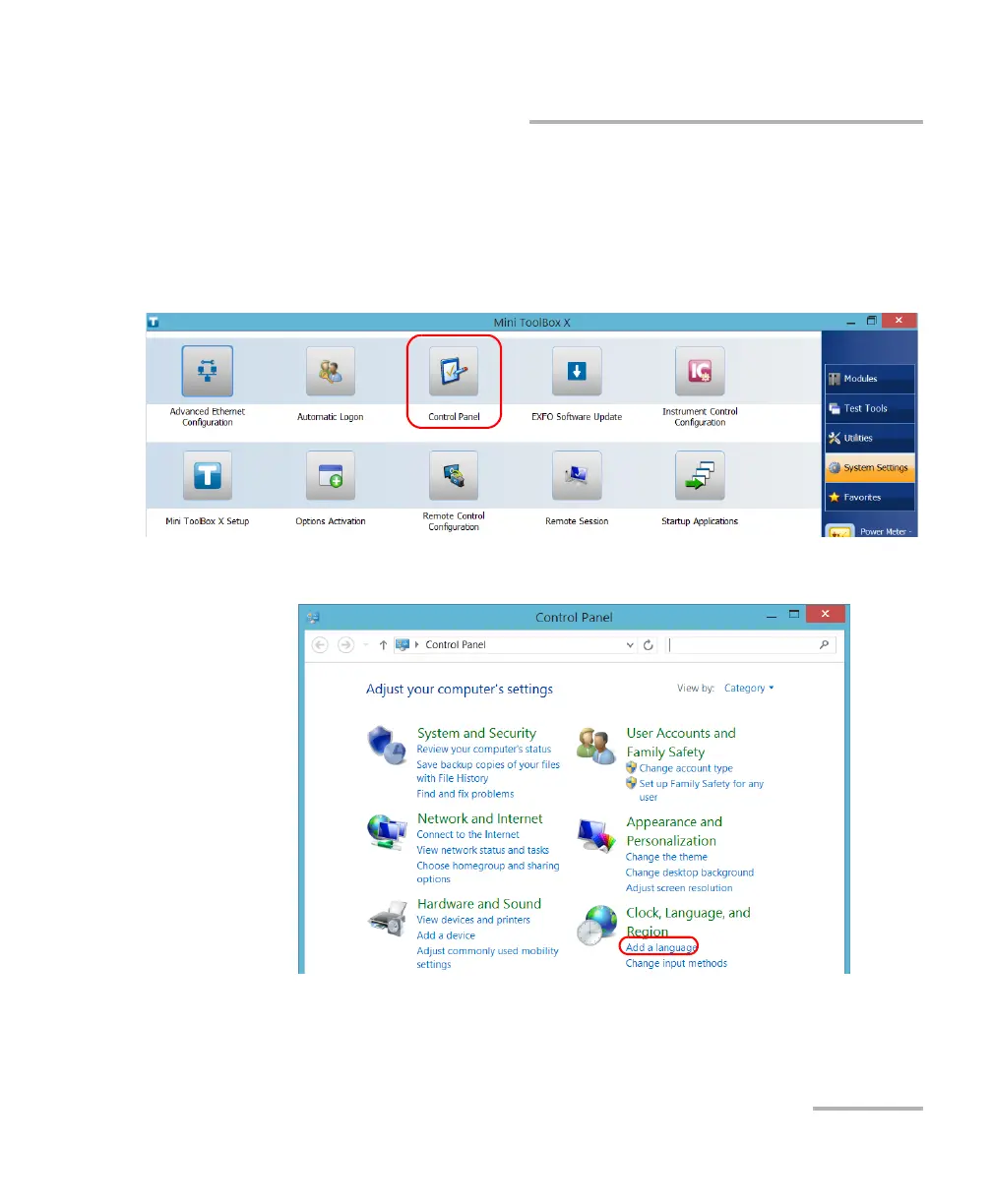
To download language packs:
1. Ensure that your unit has access to the Internet.
2. From the main window, tap the System Settings button.
3. Tap Control Panel.
4. Under Clock, Language, and Region, tap Add a language.



 To Next Page