Troubleshooting
316 FTB-1v2 and FTB-1v2 Pro
Restoring Your Unit to Normal Operation
To create a WIM file for your unit:
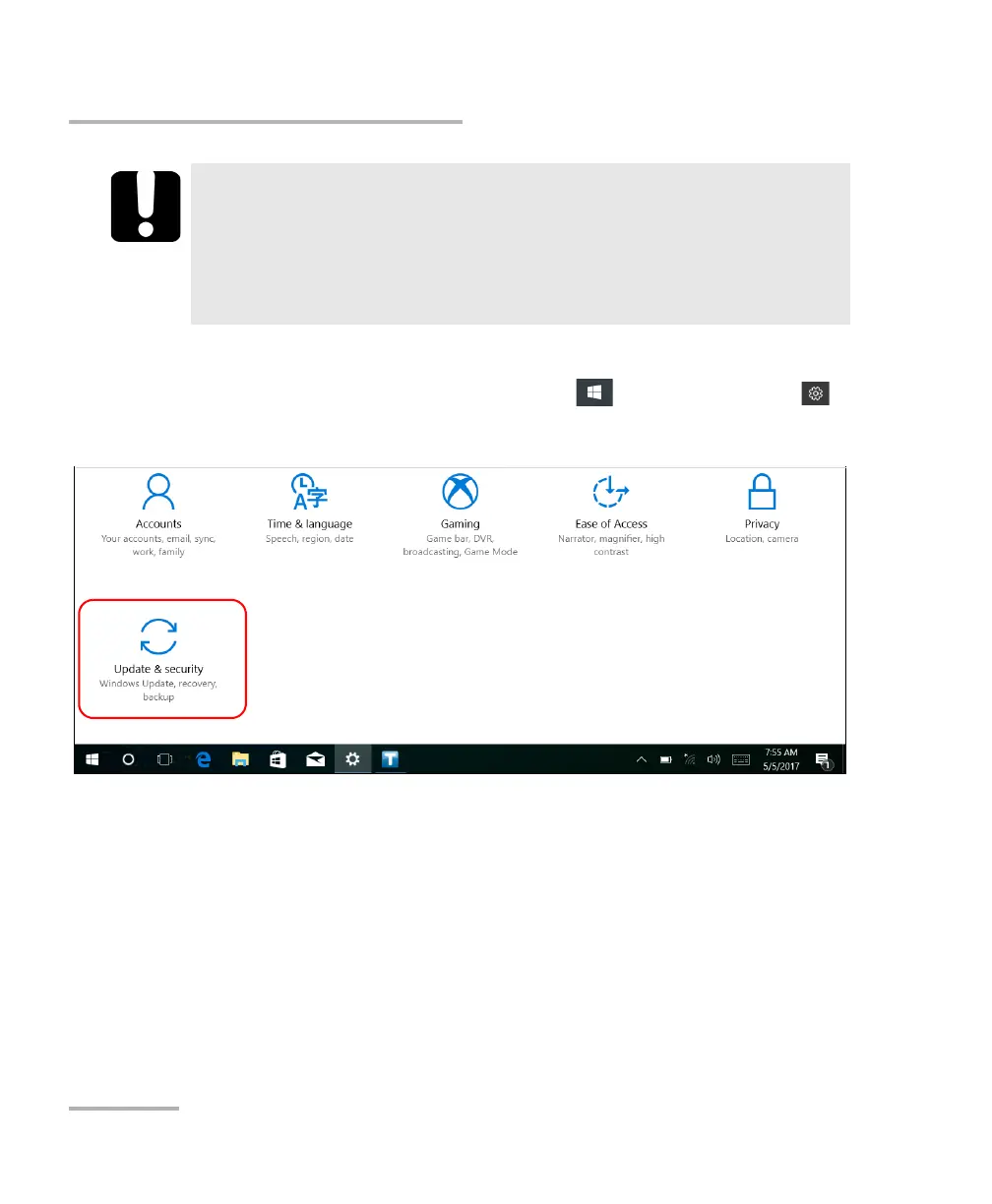
1. From the task bar, tap the Start button ( ), and then Settings ().
2. Tap Update & security.
IMPORTANT
The size of the WIM will depend on the disk space that is currently
used on your unit.
To avoid problems, always use a USB key with an NTFS file system,
and a minimum of 16 GB of free disk space.



 To Next Page