Getting Started with Your Unit
FTB-1v2 and FTB-1v2 Pro 37
Attaching and Removing FTB Test Modules
To remove a module from the FTB-1v2 or FTB-1v2 Pro:
1. Turn off your unit (shutdown), and disconnect it from AC power.
2. Position the unit so that its front panel rests on a flat surface such as a
table.
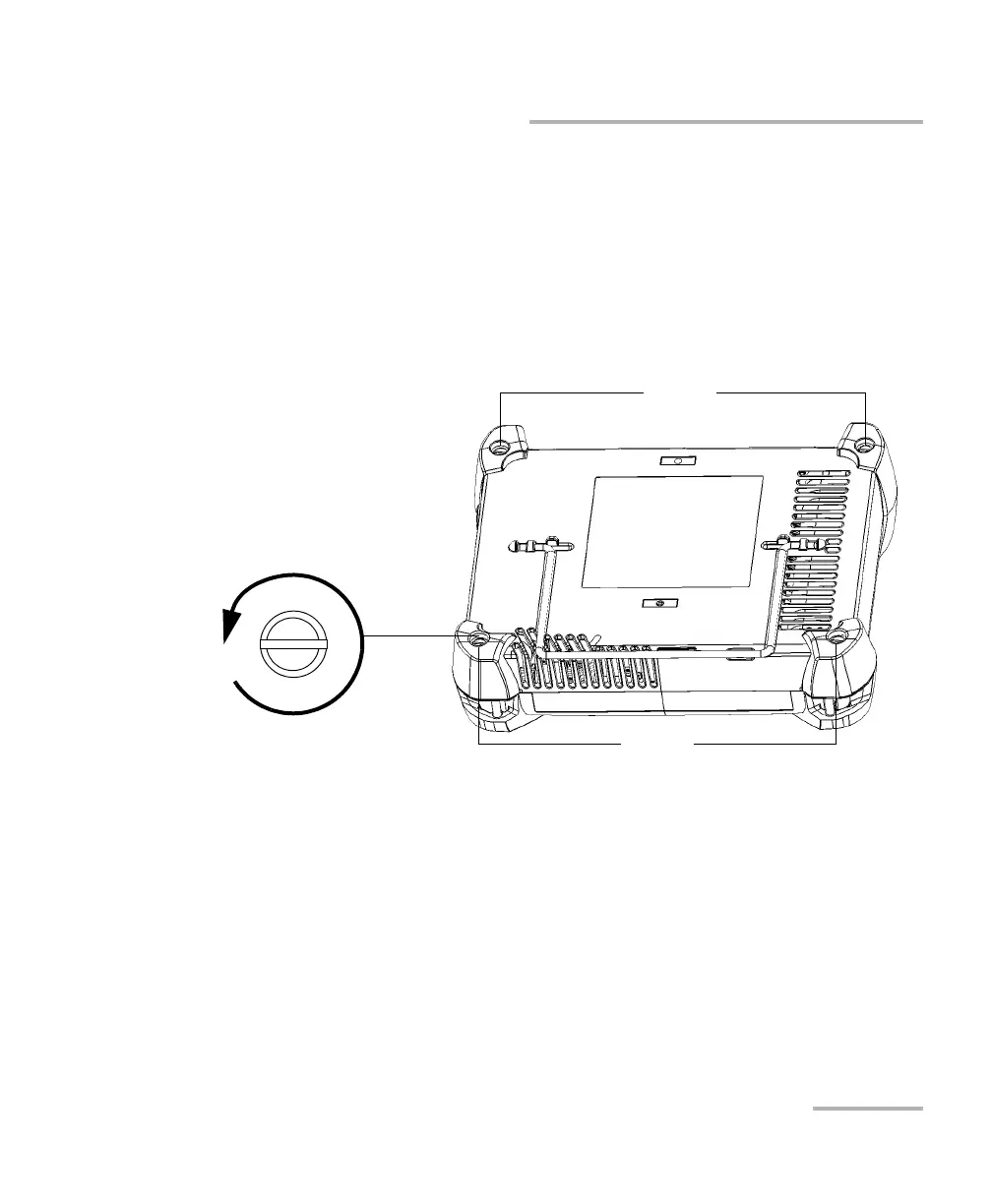
3. Using a flat screwdriver, turn the screws (4) counterclockwise until
they are loose. Since they are captive screws, you cannot remove them
completely.
Screws
Screws
Turn screws
counterclockwise



 To Next Page