This document is considered an uncontrolled copy when printed. Always ensure that you print and use a current version.
Copyright 2023 ExRobotics B.V.
9.5. Changing SIM cards
This section provides step-by-step instructions for replacing your robot's SIM card. There may be
various reasons why you need to make this change, such as moving the robot to another country or
needing a new service provider. Replacing the physical SIM card is a simple procedure that ensures
your robot can continue to function smoothly in new environments.
9.5.1. Preparation
▪ Gather the necessary tools:
Calibrated torque wrench Allen keys Replacement micro SIM card
with 5mm Allen key head
9.5.2. Opening the Device
▪ Power off the robot and disconnect it from any power source.
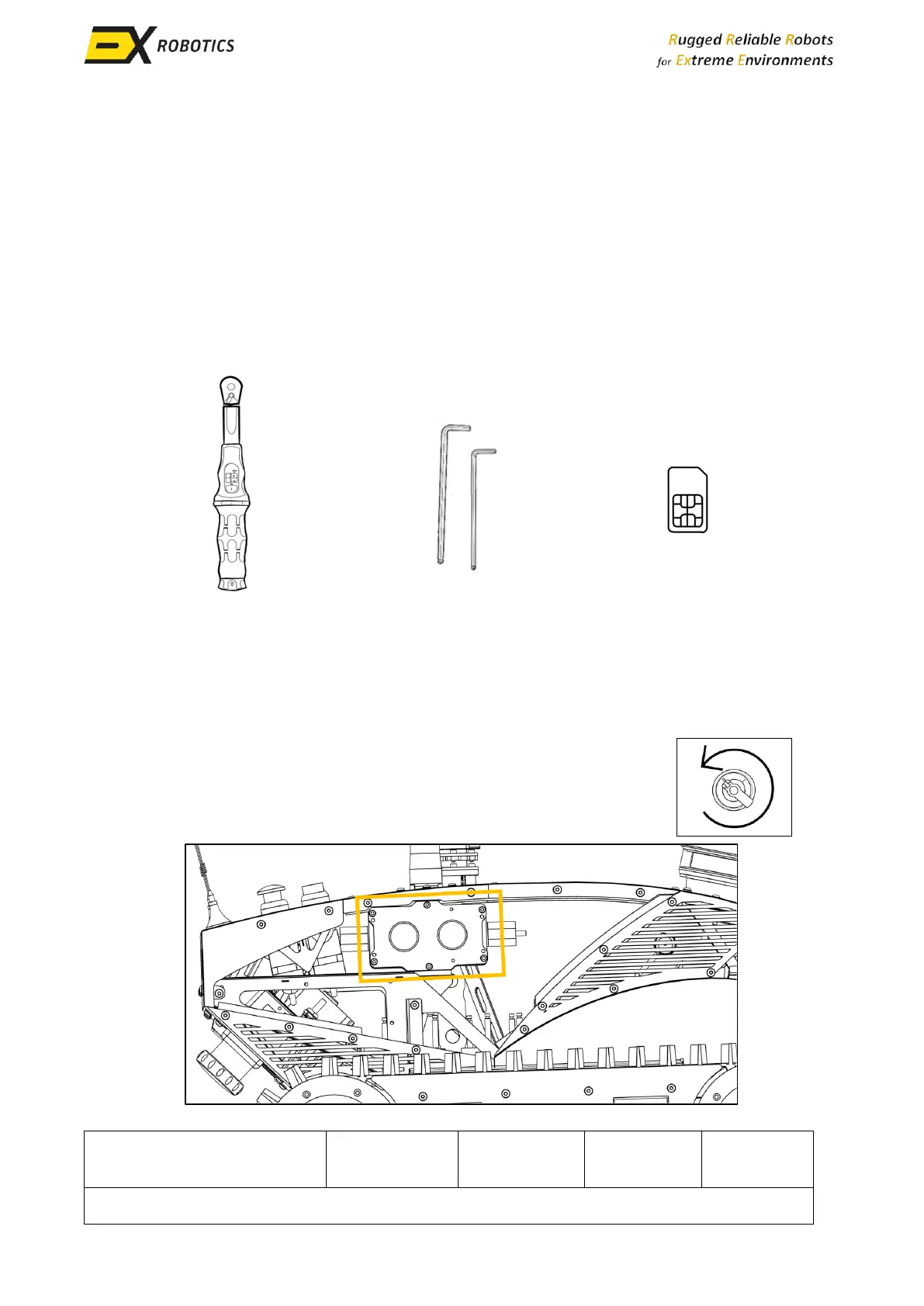
▪ Remove the cladding panels as explained in Section 9.4 and locate the
communications module shown in this diagram.



 To Next Page