Quantum Series Videowall Processing Systems • Installation and Maintenance 49
USB ports
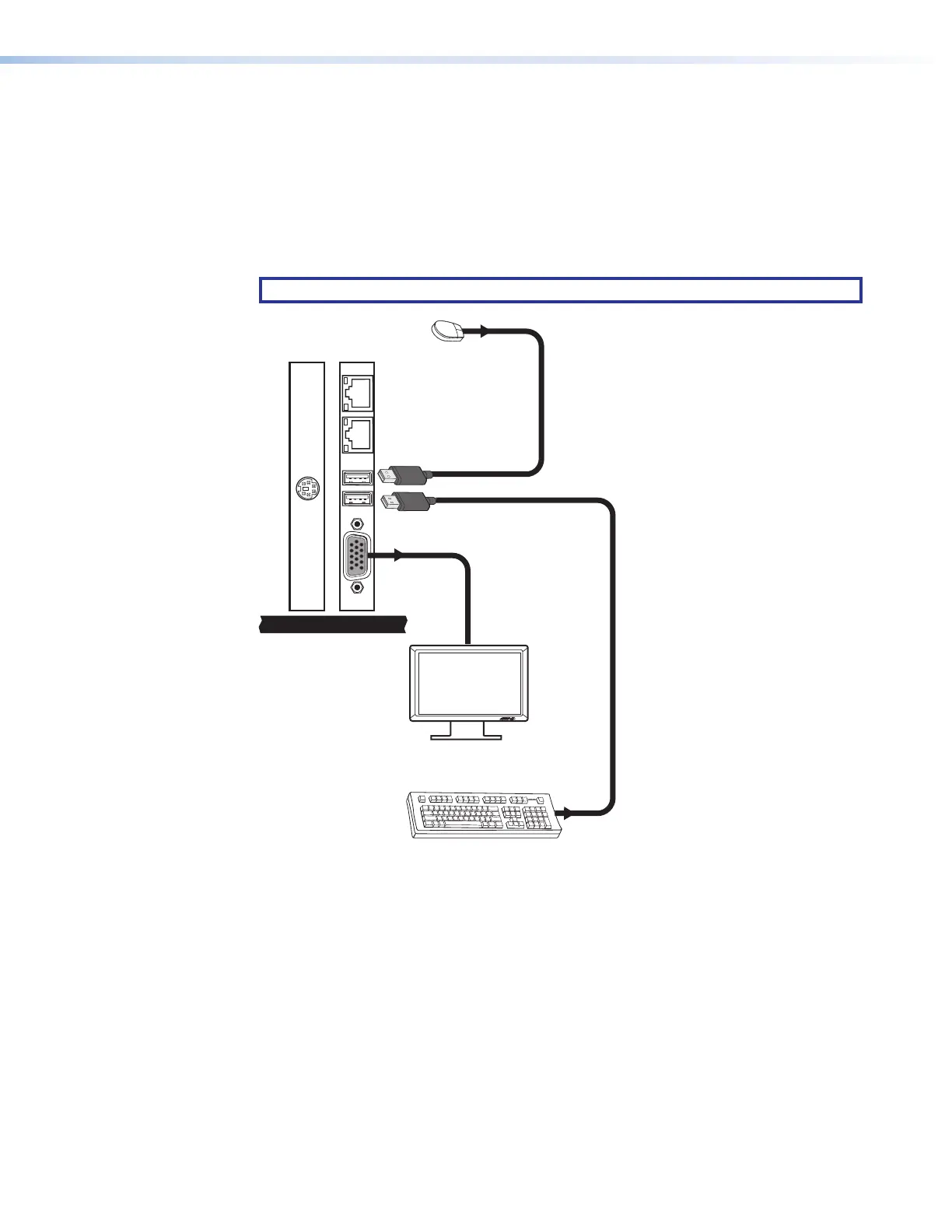
All Quantum models have two USB ports, to either of which you can connect an optional
USB storage device (such as a flash drive) or a USB keyboard, mouse, or both to access
the Quantum Control Panel (see figure 39).
Using the Control Panel screens, you can perform functions such as loading image files
to the Quantum from the connected USB storage device or uploading firmware directly
from the storage device to the Quantum processor (see Using the Control Panel on
page 61).
NOTE: Firmware can be uploaded only via the USB ports.
MEDIA I
MEDIA II
Figure 39. Connecting a Keyboard and Mouse to the USB Ports on the Elite 615



 To Next Page