Quantum Series Videowall Processing Systems • Operation 68
Starting the Software
To start using the Quantum Control software, your computer must be connected to the
RJ-45 Control connector on the Quantum rear panel (see Control Card on page 24).
1. Open the software program by one of the following methods:
• Double-click the Quantum Elite or Quantum Connect icon that was placed on
the desktop during installation.
• From the desktop, click Start > All Programs > Extron Electronics >
Quantum Elite (or Connect) > Quantum Elite (or Connect).
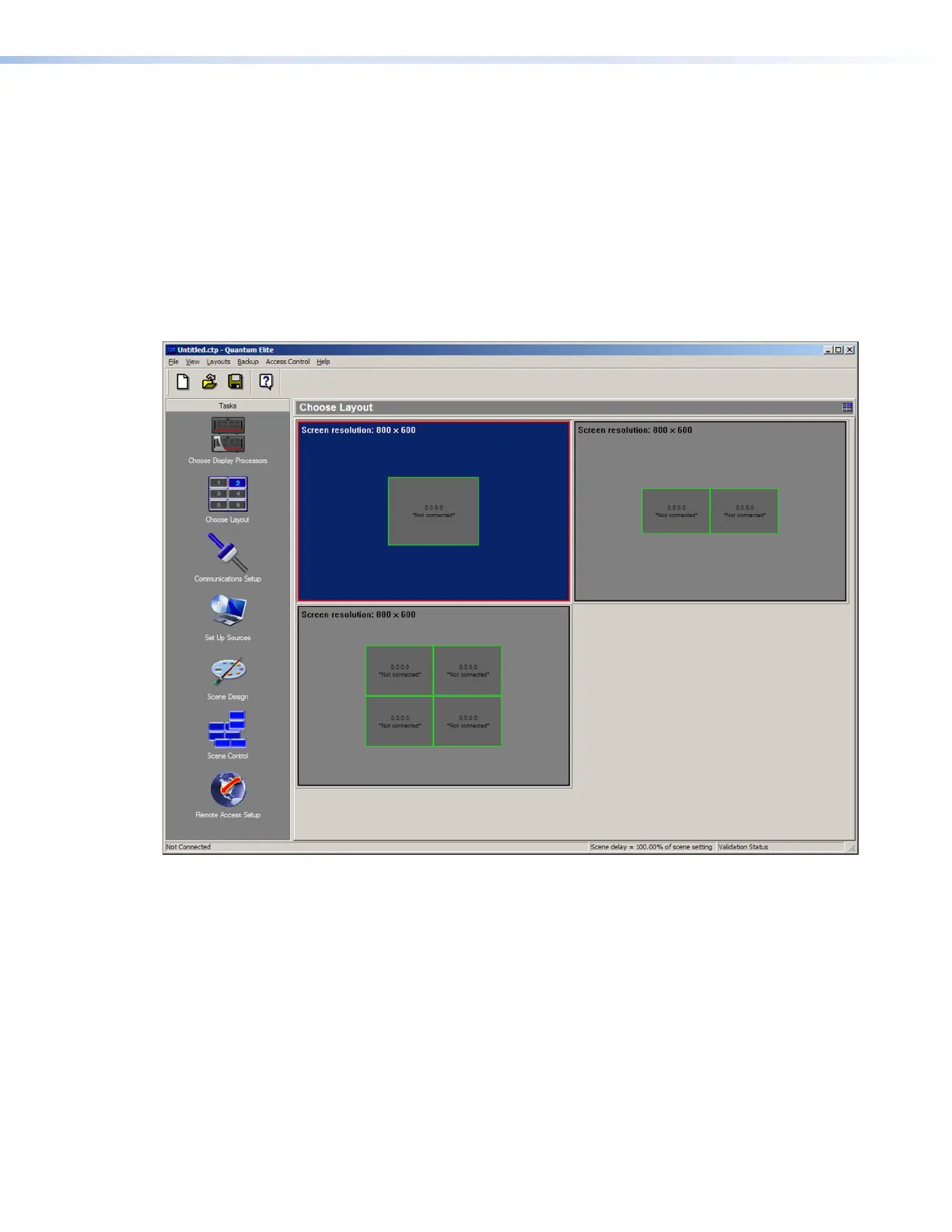
The Quantum Control Software splash screen appears for a few seconds, followed by
the main application window.
Figure 57. Quantum Main Application Screen
2. By default, the Choose Layout screen is displayed; however, you can display other
screens by clicking the task icons in the left column.
Proceed to start a project (see the Quantum Control Software User Guide for all
procedures).



 To Next Page