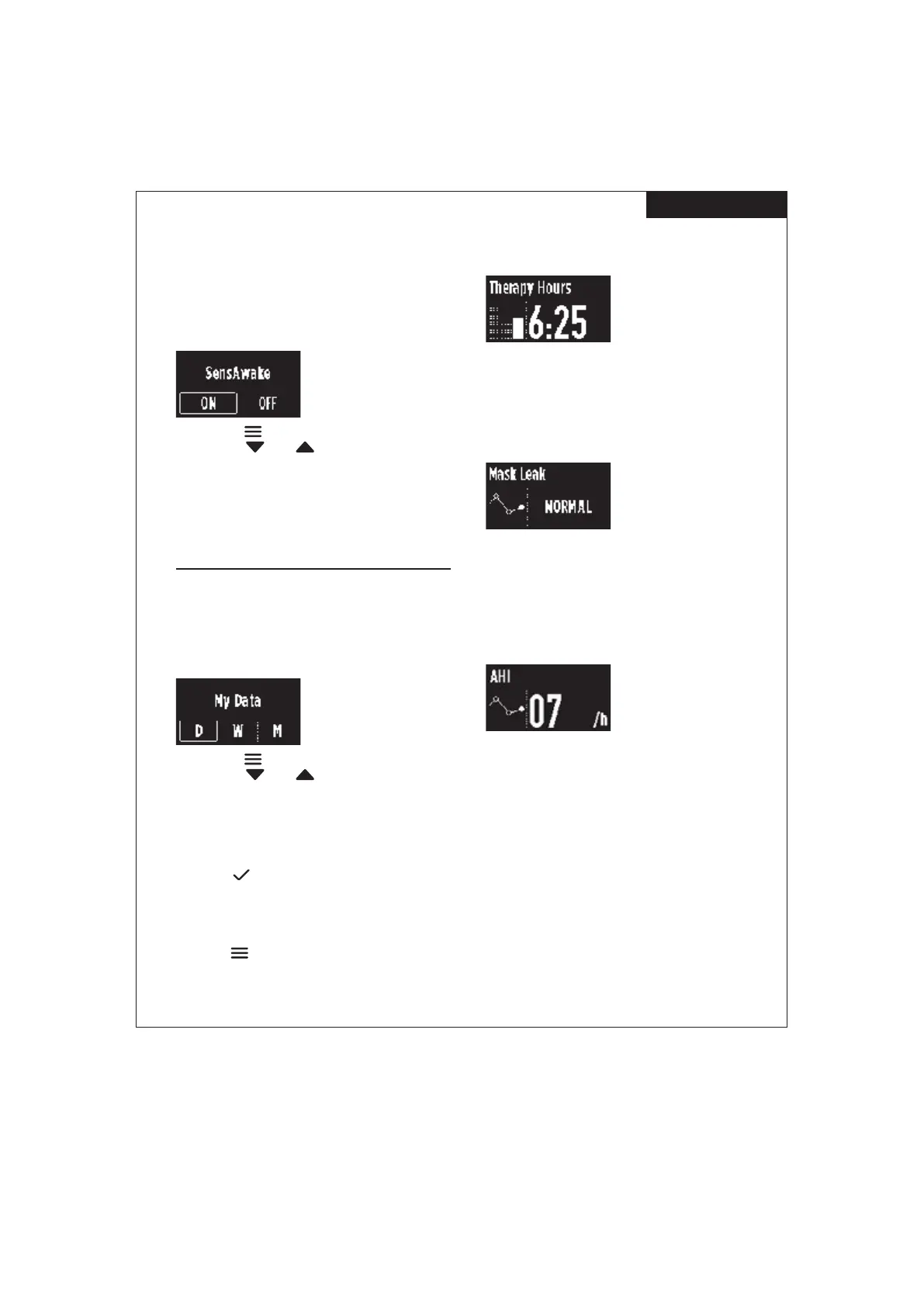
F&P SleepStyle Product Technical Guide | 26
A-1 1
Note: Expiratory relief may be restricted by your healthcare
provider.
3.6.4 SensAwake™
We all experience subconscious waking during the night.
When this happens, SensAwake will provide pressure relief
to help ease your return to sleep.
How to turn SensAwake on or o:
1. Press Menu to scroll to the “SensAwake” setting.
2. Press Down
or Up to move between “ON” and
“OFF”.
Note: SensAwake may be restricted by your healthcare
provider.
4. VIEWING YOUR
THERAPY DATA
4.1 VIEW YOUR THERAPY DATA
ON YOUR DEVICE
Your device records your therapy data for the last night, last
7 days, and last 30 days, which you can view at any time.
How to view your therapy data on your device:
1. Press Menu to scroll to “My Data”.
2. Press Down
or Up to move between the
following options:
• “D” – Day (last night’s therapy data)
• “W” – Week (average over the last 7 days of therapy
data)
• “M” – Month (average over the last 30 days of therapy
data).
3. Press OK
to view the range of therapy data you
would like see.
The device will automatically scroll through the
following therapy data:
Note: If you would like to bypass this automated scrolling,
press Menu
to scroll through the data screens manually.
4.1.1 Therapy Data:
THERAPY HOURS
Day View: Displays the number of hours that you used your
device last night.
Week View: Displays the average number of hours that you
used your device over the last 7 days.
Month View: Displays the average number of hours that
you used your device over the last 30 days.
MASK LEAK
Day View: Indicates whether the leak from your mask last
night was “Normal” or “High”.
Week View: Indicates whether, on average, the leak from
your mask was “Normal” or “High” over the last 7 days.
Month View: Indicates whether, on average, the leak from
your mask was “Normal” or “High” over the last 30 days.
Apnea Hypopnea Index - (AHI)
Day View: Displays the average number of airway breathing
events you had per hour last night.
Week View: Displays the average number of airway
breathing events you had over the last 7 days.
Month View: Displays the average number of airway
breathing events you had over the last 30 days.
Note:
• The AHI screen may be restricted by your healthcare
provider.
• The device reported AHI is not equivalent to an AASM
(American Academy of Sleep Medicine) AHI and
therefore should not be used for diagnosis of OSA or in
isolation for titration or clinical management.
ENGLISH
Use and Care Guide – Page 11


 To Next Page