A-7
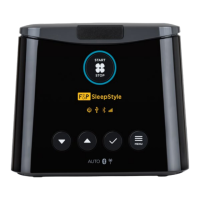
3.3 F&P SleepStyle Controls
for Clinician Menu
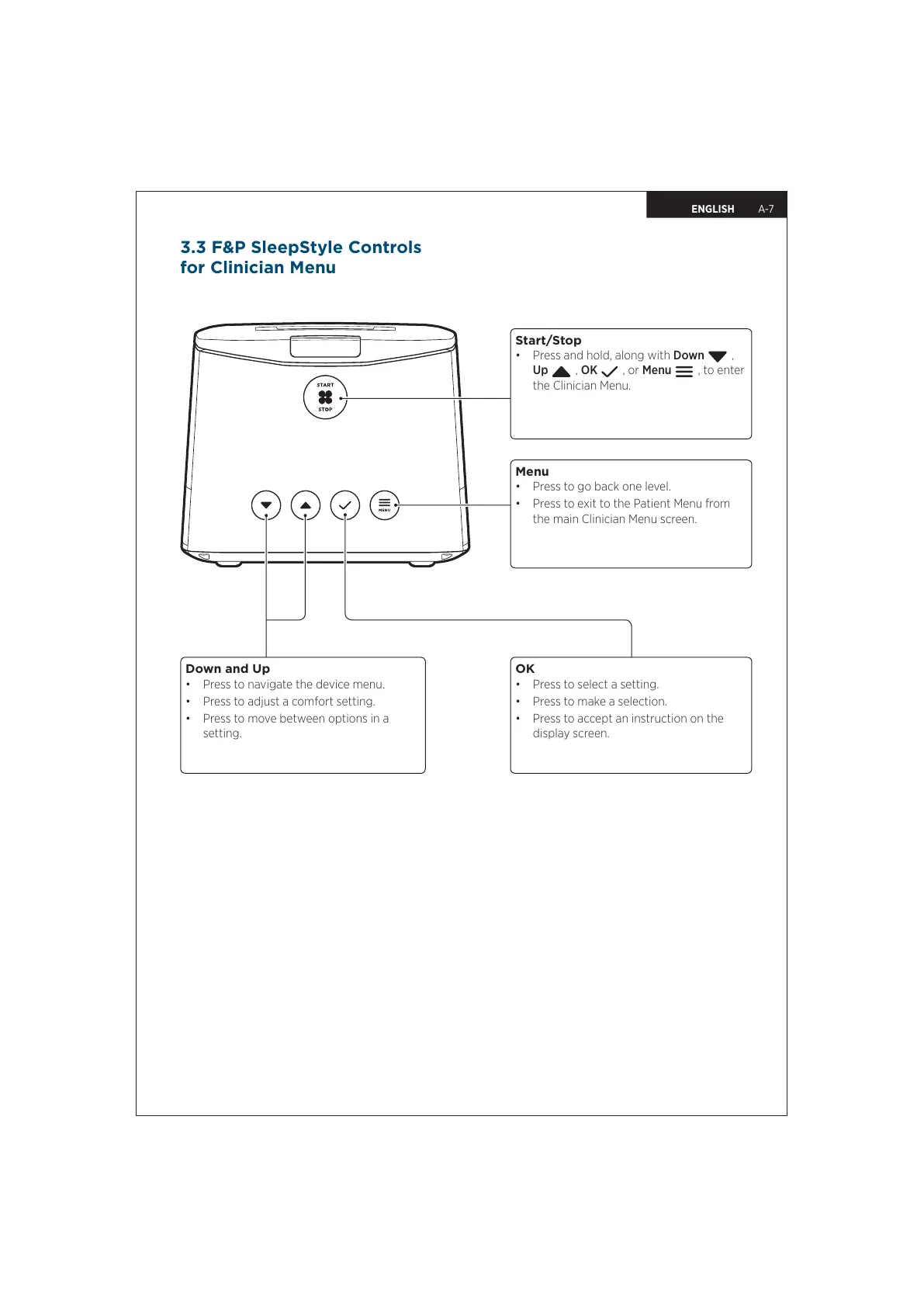
Start/Stop
• Press and hold, along with Down
,
Up
, OK
, or Menu
, to enter
the Clinician Menu.
Menu
• Press to go back one level.
• Press to exit to the Patient Menu from
the main Clinician Menu screen.
Down and Up
• Press to navigate the device menu.
• Press to adjust a comfort setting.
• Press to move between options in a
setting.
OK
• Press to select a setting.
• Press to make a selection.
• Press to accept an instruction on the
display screen.
ENGLISH


 To Next Page