A-6
3. USING THE CLINICIAN MENU
3.1 How to Enter the Clinician
Menu
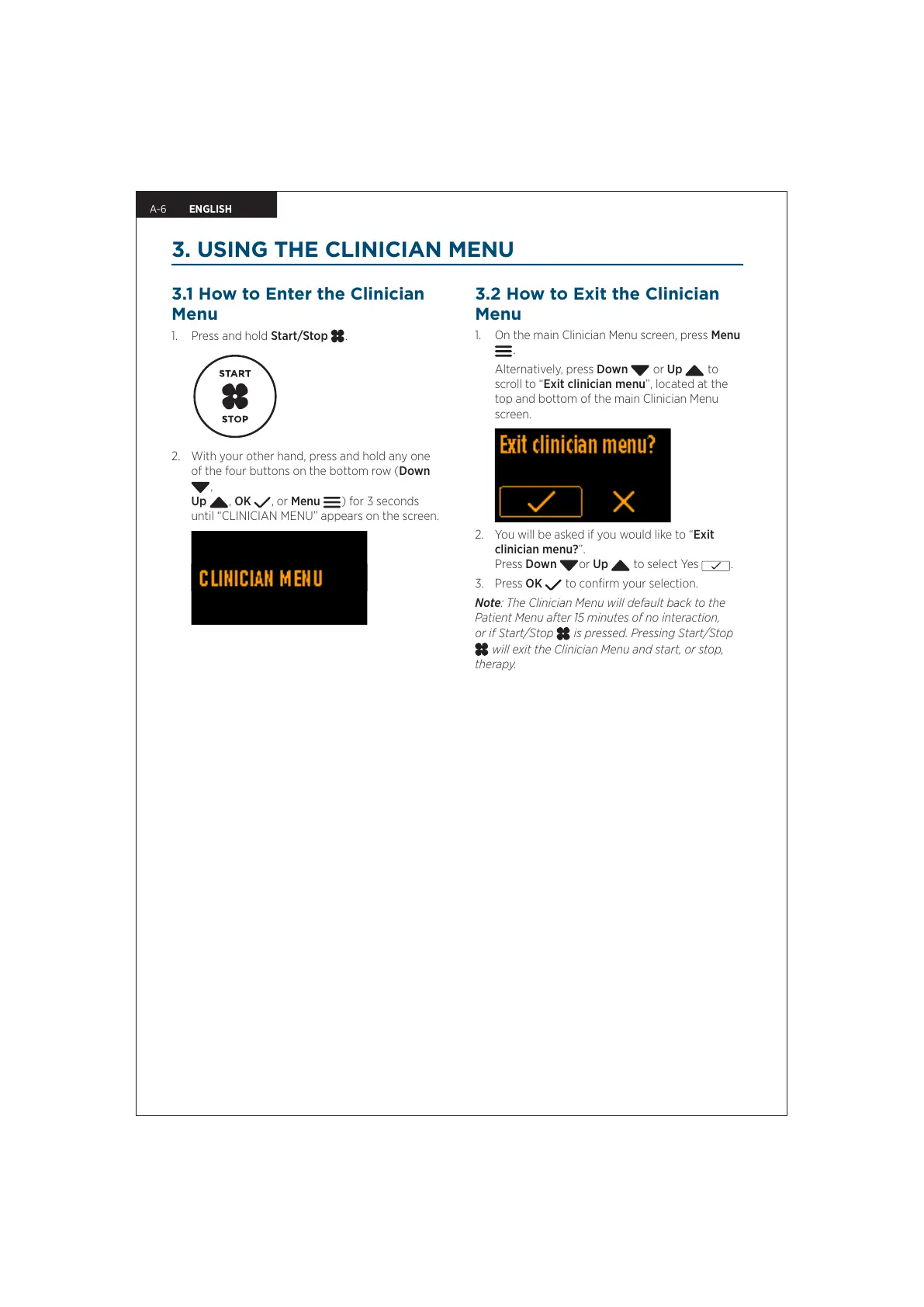
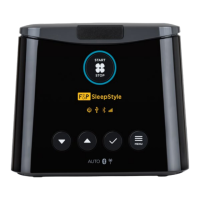
1. Press and hold Start/Stop .
2. With your other hand, press and hold any one
of the four buttons on the bottom row (Down
,
Up
, OK , or Menu ) for 3 seconds
until “CLINICIAN MENU” appears on the screen.
3.2 How to Exit the Clinician
Menu
1. On the main Clinician Menu screen, press Menu
.
Alternatively, press Down
or Up to
scroll to “Exit clinician menu”, located at the
top and bottom of the main Clinician Menu
screen.
2. You will be asked if you would like to “Exit
clinician menu?”.
Press Down or Up to select Yes
.
3. Press OK
to confirm your selection.
Note: The Clinician Menu will default back to the
Patient Menu after 15 minutes of no interaction,
or if Start/Stop
is pressed. Pressing Start/Stop
will exit the Clinician Menu and start, or stop,
therapy.
ENGLISH


 To Next Page