EasyManua.ls Logo

Fargo DTC1250e - Page 44

Fargo DTC1250e
145 pages
Print Icon
To Next Page IconTo Next Page
To Previous Page IconTo Previous Page
Loading...
DTC1000Me-1250e-4250e-4500e Card Printer Service Manual PLT-01543 rev 1.0
November 2013 44
.
Step
Procedure
6
Replace with the new roller.
Install the Mag Roller from the back to hold the roller in place.
Make sure roller sits in front tab (hidden) in front sideplate.
Make sure tabs line up and snap into place. Wiggle in place.
NOTE: Do not hold the roller by the rubber but only from the plastic shaft. The rubber can move out
of position on the shaft and cause a print quality issue.

7
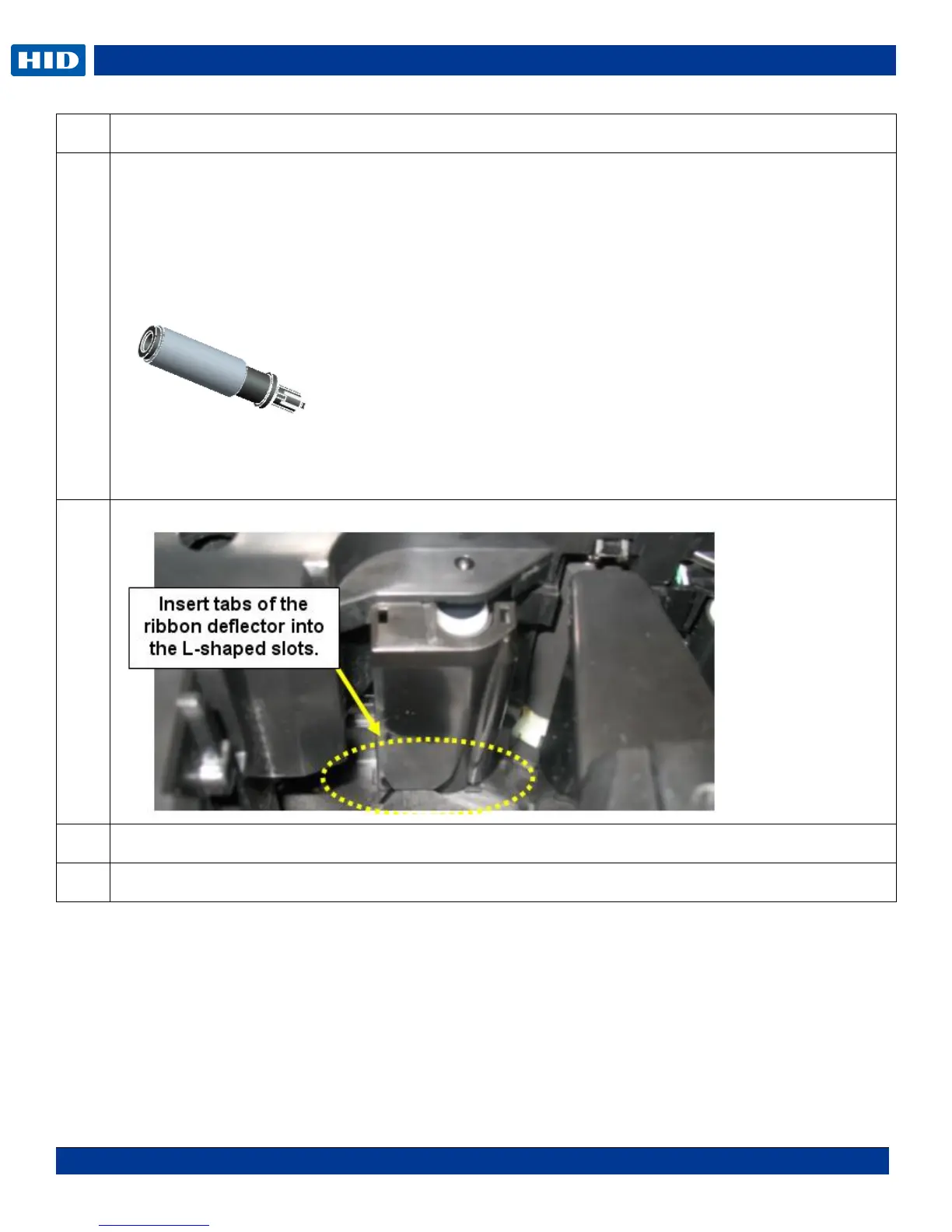
Install the Ribbon Deflector Plate.
8
Re-install Stepper Motor assembly
9
Procedure is complete.

Table of Contents

Related product manuals