DTC1000Me-1250e-4250e-4500e Card Printer Service Manual PLT-01543 rev 1.0
.
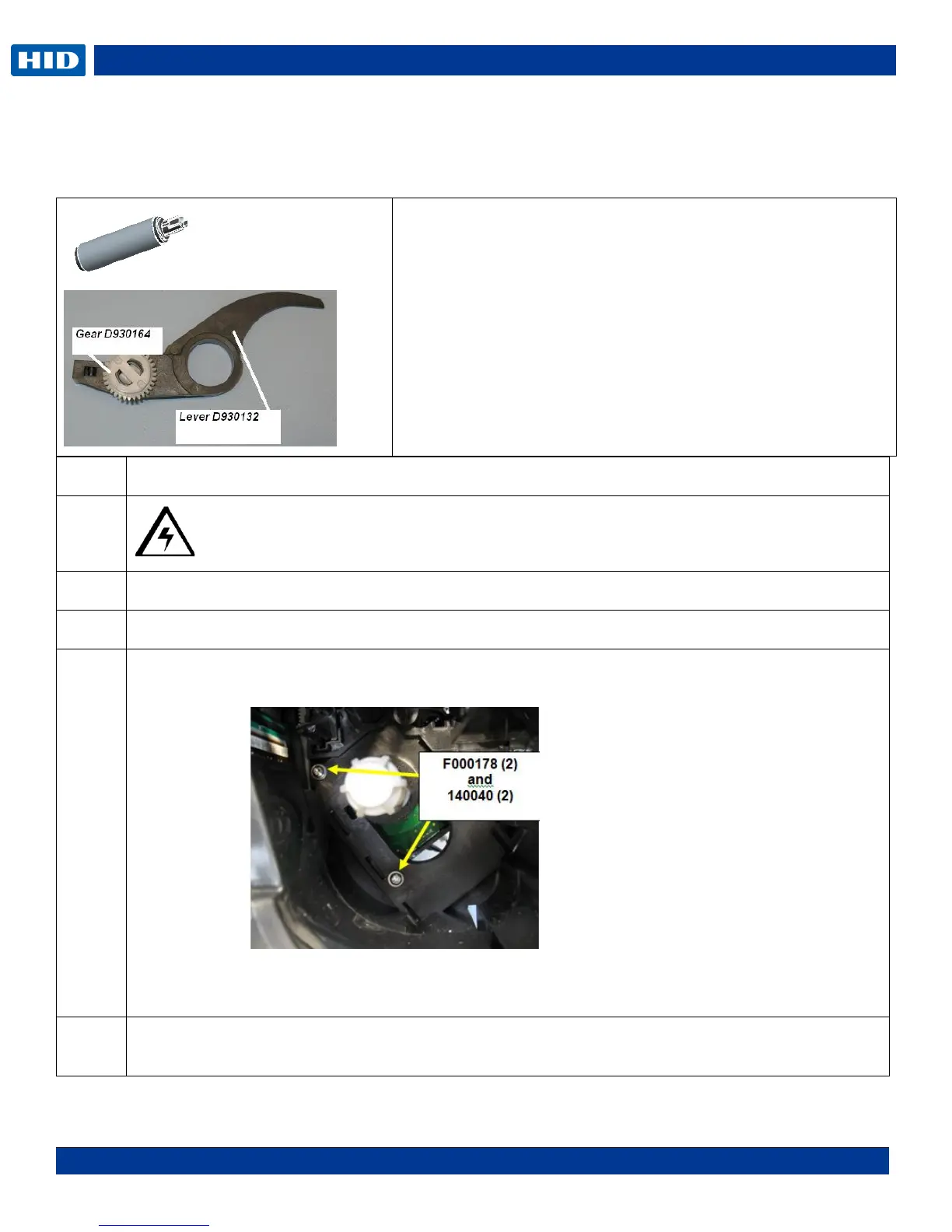
Remove/Replace the Cleaning Roller (D930121), Input Feed Lever (D930132),
Input Lever Gear (D930164)
Caution: Turn OFF the Printer and unplug the power cord from the Printer.
Remove the ribbon supply assembly.
Remove the mainboard (D930500)
Remove the screw F000178 & washer 140040 from the motor assembly. This is done from the
front of the printer.
NOTE: This step is used for the DTC 1250e, 1000Me, 4250e
Slide the Supply Spindle DOWN To release. Slide the Motor UP to install.
NOTE: You do not need to remove the gears or the Stepper Motor for this procedure.
Tools needed: T10 Torx screwdriver
Estimated Repair Time: 30 min
Preparation: Remove the Covers
Important: This procedure can only be performed by
authorized service personnel.



 To Next Page