EasyManua.ls Logo

Fargo DTC1250e - Dtc4500 E Single Side Printer Cover Removal

Fargo DTC1250e
145 pages
Print Icon
To Next Page IconTo Next Page
To Previous Page IconTo Previous Page
Loading...
DTC1000Me-1250e-4250e-4500e Card Printer Service Manual PLT-01543 rev 1.0
November 2013 20
.
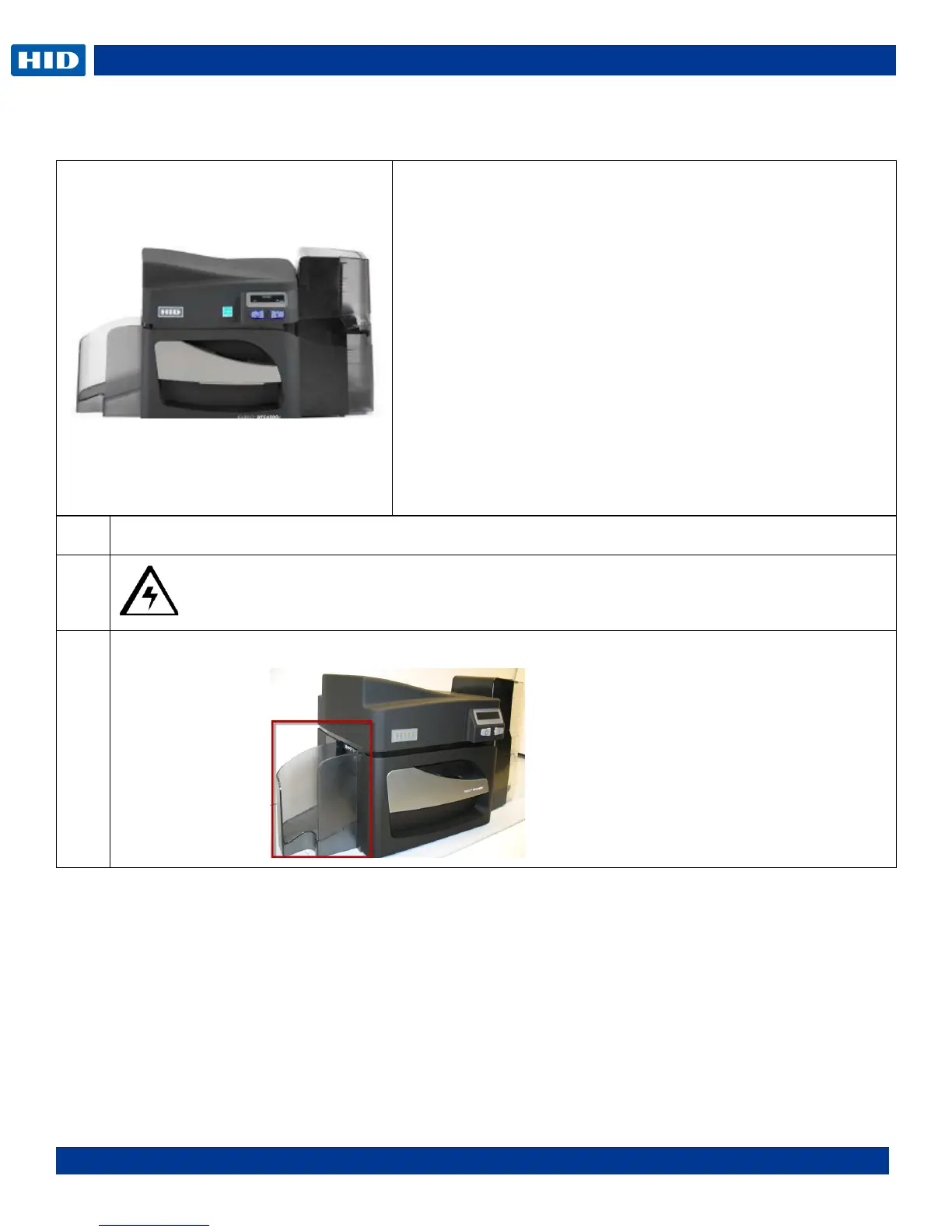
DTC4500e Single Side Printer Cover Removal
Step
Procedure
1
Caution: Turn OFF the Printer and unplug the power cord from the Printer.
2
Remove the card output hopper. Squeeze in from the top to unlatch the tabs.
DTC4500e
Tools needed: T10 Torx screwdriver
Estimated Repair Time: 15 minutes
Preparation:
Important: This procedure can only be performed by
authorized service personnel.
Top Cover D930181-01
Display Cover/PCB/cable MDP-00093
Output Cover D930281-01
Output Bin D930033
Dual Input Hopper D930039
Front Cartridge/Handle Cover MDP-00102


Table of Contents

Related product manuals