DTC1000Me-1250e-4250e-4500e Card Printer Service Manual PLT-01543 rev 1.0
.
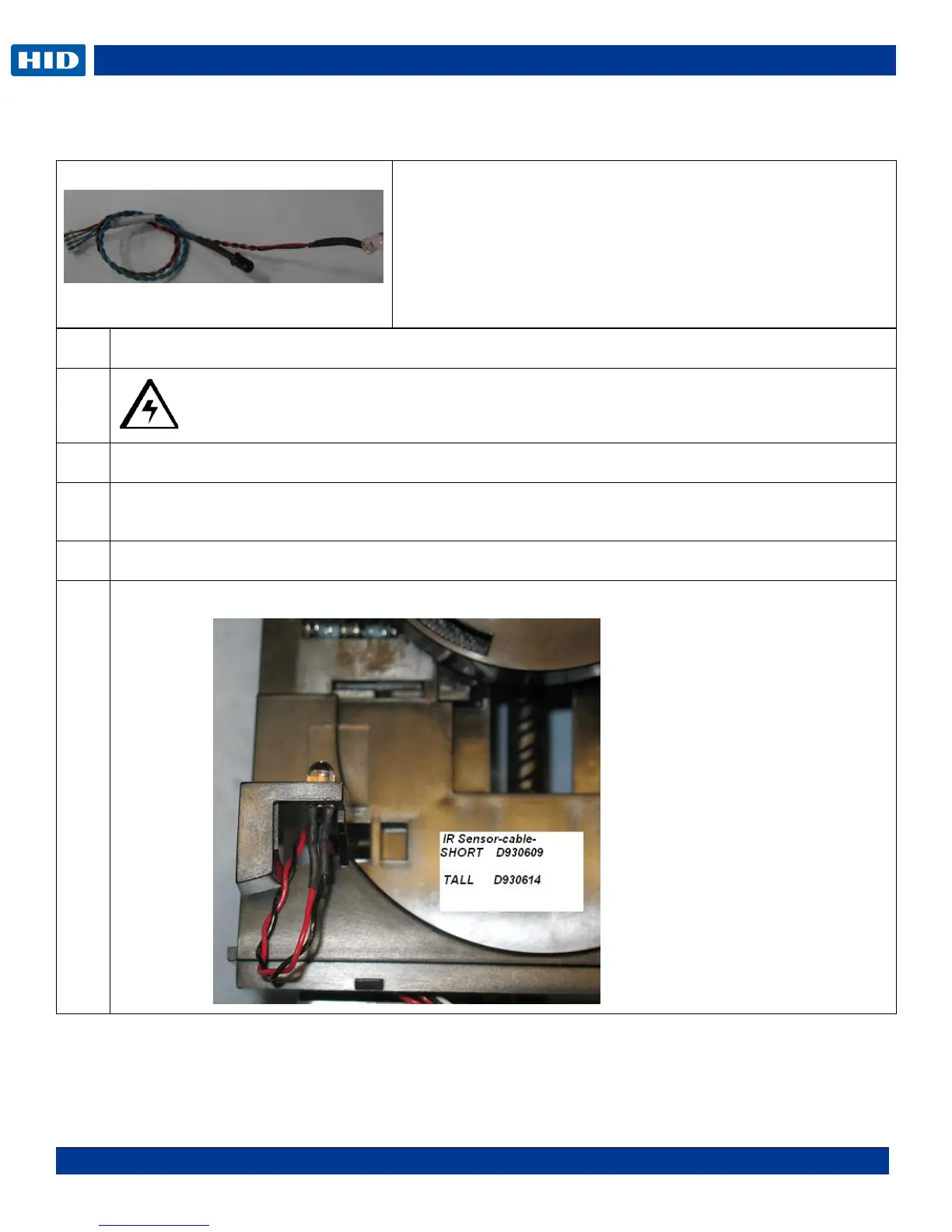
Remove/Replace the IR Sensors D930609 (short) D930614 (tall)
Caution: Turn OFF the Printer and unplug the power cord from the Printer.
Remove the Flipper Covers.
Push the sensor out using some pressure. This sensor snaps in and out. Do not use a metal tool or it
may damage the sensor.
Replace both upper and lower sensor at the same time.
Connect to J4 on the PCB. Make NOTE: of wire routing.
Tools needed: T10 Torx screwdriver
Estimated Repair Time: 20 min
Preparation: Remove the Covers
Important: This procedure can only be performed by
authorized service personnel.



 To Next Page