DTC1000Me-1250e-4250e-4500e Card Printer Service Manual PLT-01543 rev 1.0
.
Remove/Replace the Lift Pinch Roller Assembly (D930137) Pinch Lift Bracket (D930136)
Caution: Turn OFF the Printer and unplug the power cord from the Printer.
Remove the mainboard (D930500)
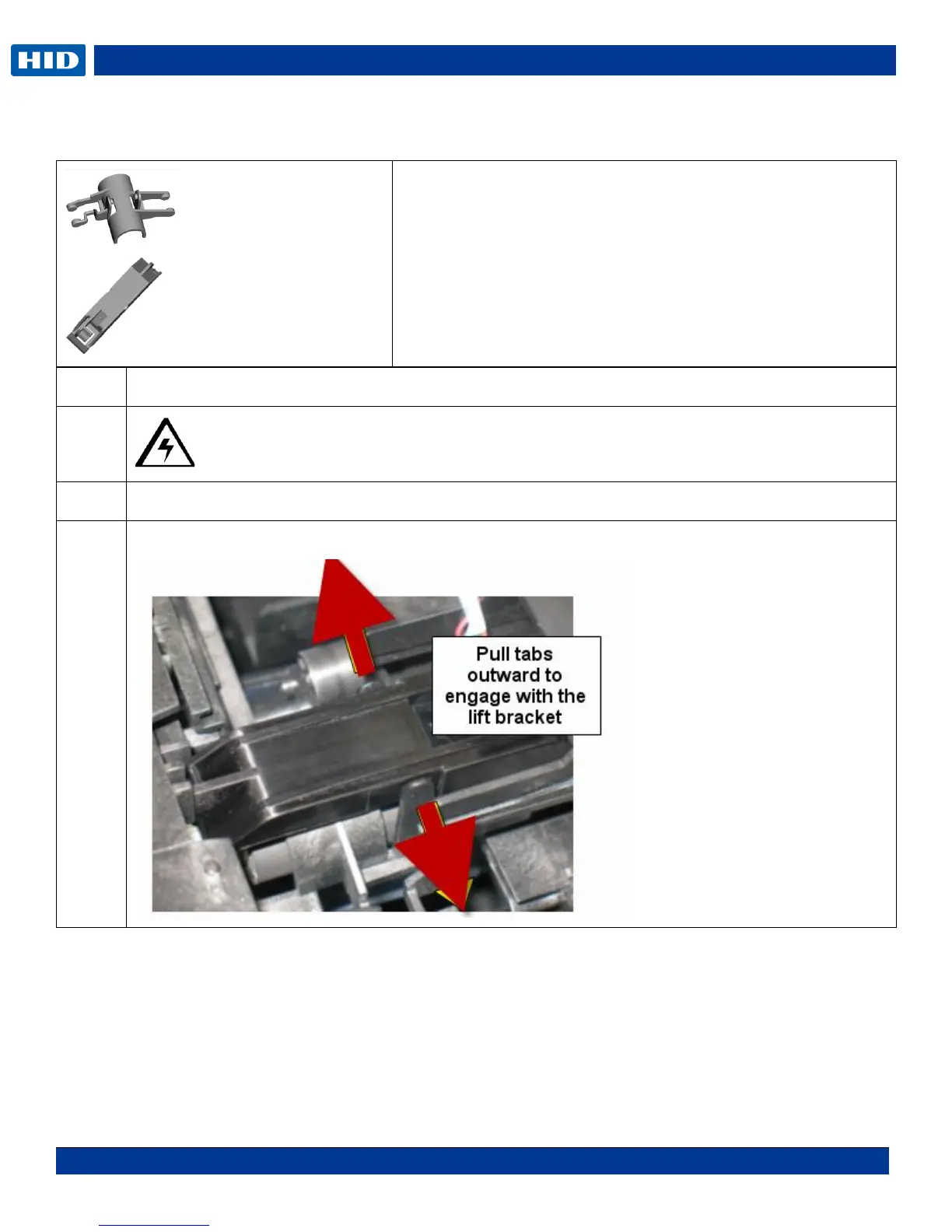
Pull the tabs apart on the Bracket (D930136) to release. Lift up and out.
Tools needed: T10 Torx screwdriver
Estimated Repair Time: 20 Min
Preparation: . Remove the Covers
Important: This procedure can only be performed by
authorized service personnel.



 To Next Page