© 2010 HID Global Corporation All rights reserved
DTC4500 Card Printer/Encoder User Guide L001444 Rev1.0
112
Printer Specific Tools (DTC4500)
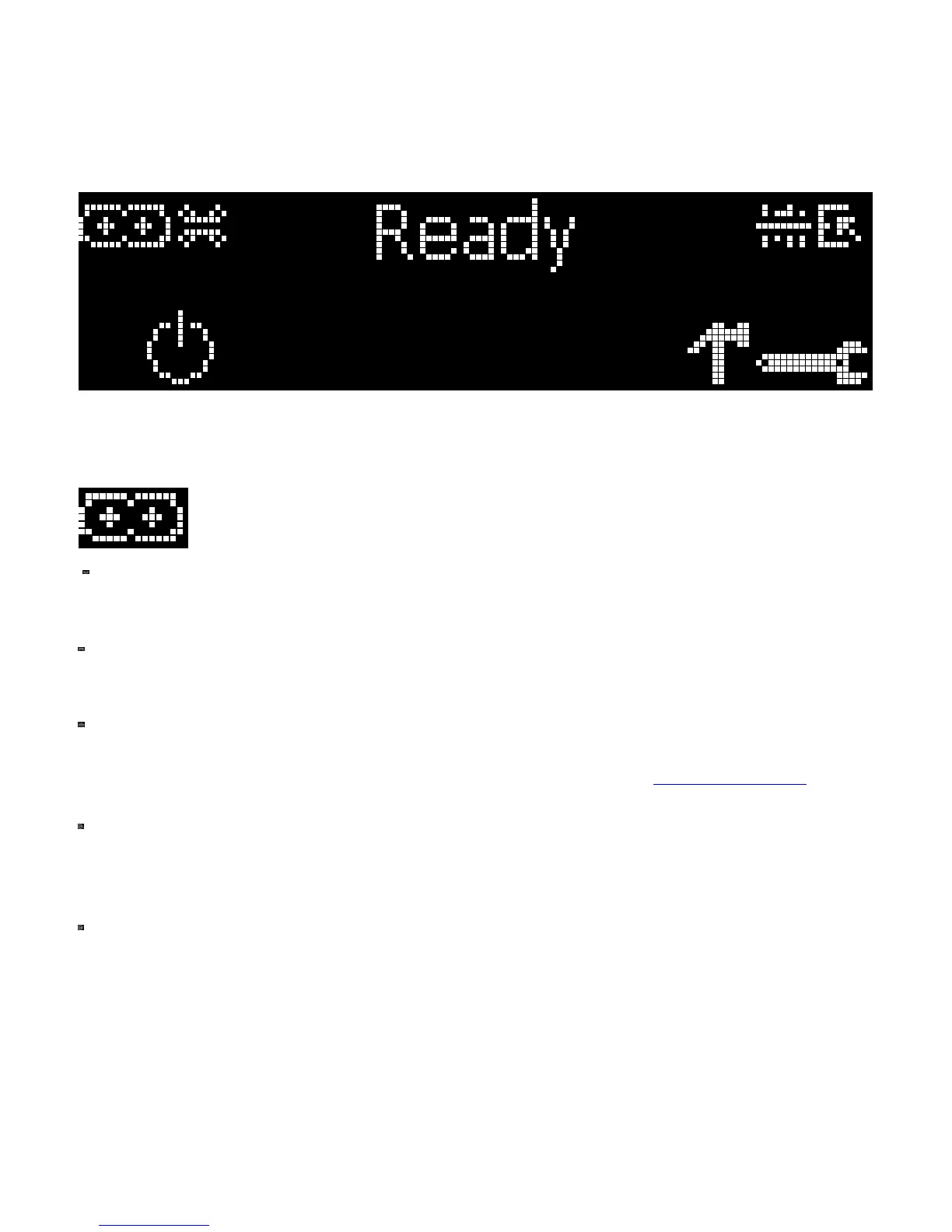
The status icons are as follows:
This icon indicates that the Print Ribbon supply is low and will need to be replaced soon.
This icon indicates that the Laminate in the Top Laminator is low and will need to be replaced
soon.
This icon indicates that the Laminate in the Bottom laminator is low and will need to be replaced
soon.
This icon indicates that the Printer needs to be cleaned. Refer to Section 9: Cleaning of the
User's Manual..
This icon is only displayed for Printers with an attached Dual-Input Hopper and indicates that the
Top Input Hopper is currently selected.
This icon is only displayed for Printers with an attached Dual-Input Hopper and indicates that the
Bottom Input Hopper is currently selected.



 To Next Page