© 2010 HID Global Corporation All rights reserved
DTC4500 Card Printer/Encoder User Guide L001444 Rev1.0
19
Installing the Ribbon
Step
Procedure
3
a. Close the Cleaning Roller Cover.
b. Insert the new Cleaning roller.
c. Remove the Cleaning Roller liner.
4
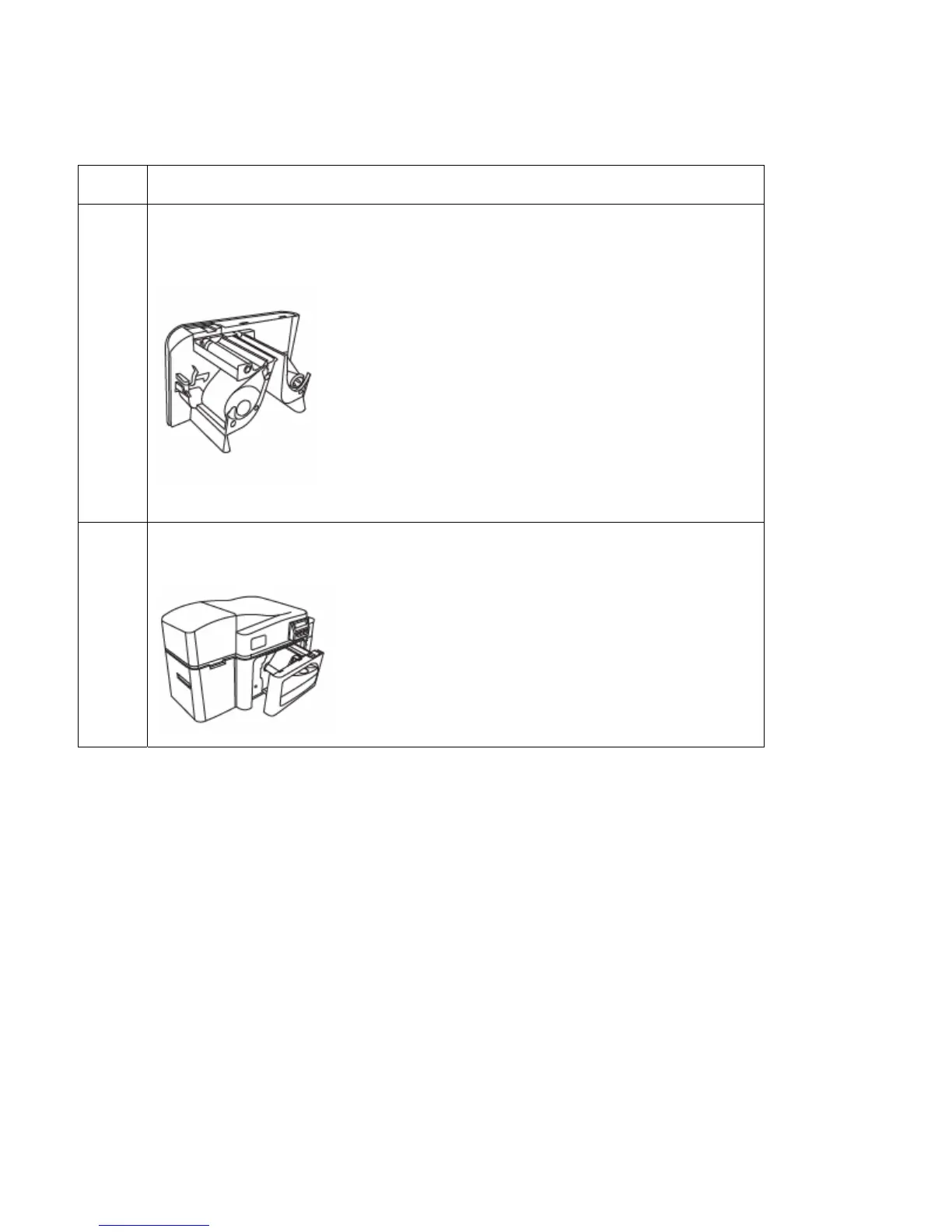
Load the Ribbon Drawer into the Printer.



 To Next Page