© 2010 HID Global Corporation All rights reserved
DTC4500 Card Printer/Encoder User Guide L001444 Rev1.0
117
Printhead Cleaning
Step Procedure
1
Caution:
Turn Off the Printer and unplug the power cord from the Printer.
2 Remove the Ribbon Drawer.
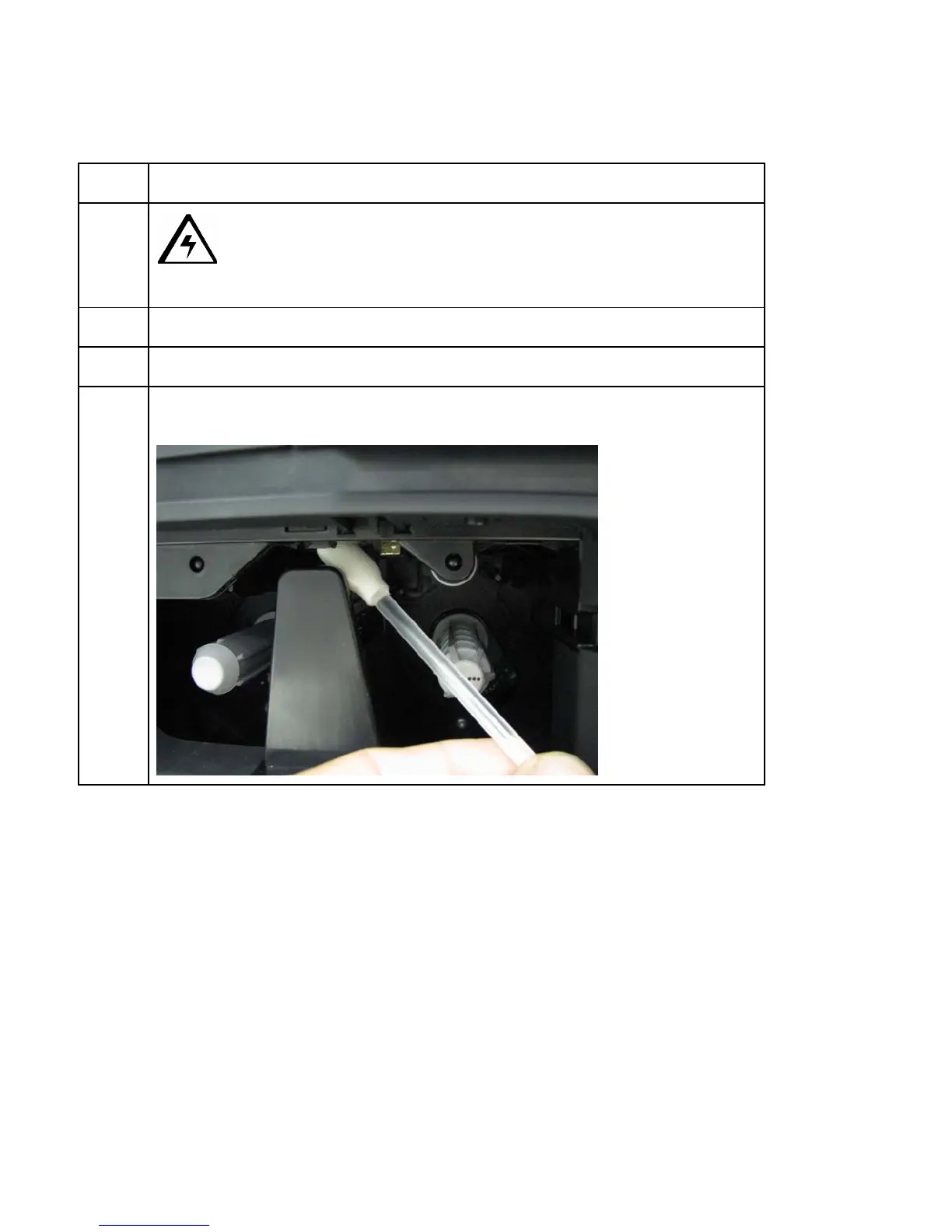
3 Open the Printhead Cleaning Swabs. Break it to moisten the tip.
4 Swab the tip back and forth across the top of the Printhead. Allow to dry
thoroughly before sending a print job.



 To Next Page