© 2010 HID Global Corporation All rights reserved
DTC4500 Card Printer/Encoder User Guide L001444 Rev1.0
35
Printer Installed On Network
Perform this procedure for a Printer installed on a Network.
Step Procedure
1 Connect the Printer to the Network. (Note: It will take 5 to 10 minutes for the
Printer to assign an IP address in order to connect the Printer via an Ethernet
cable to the back of your PC versus a Network.)
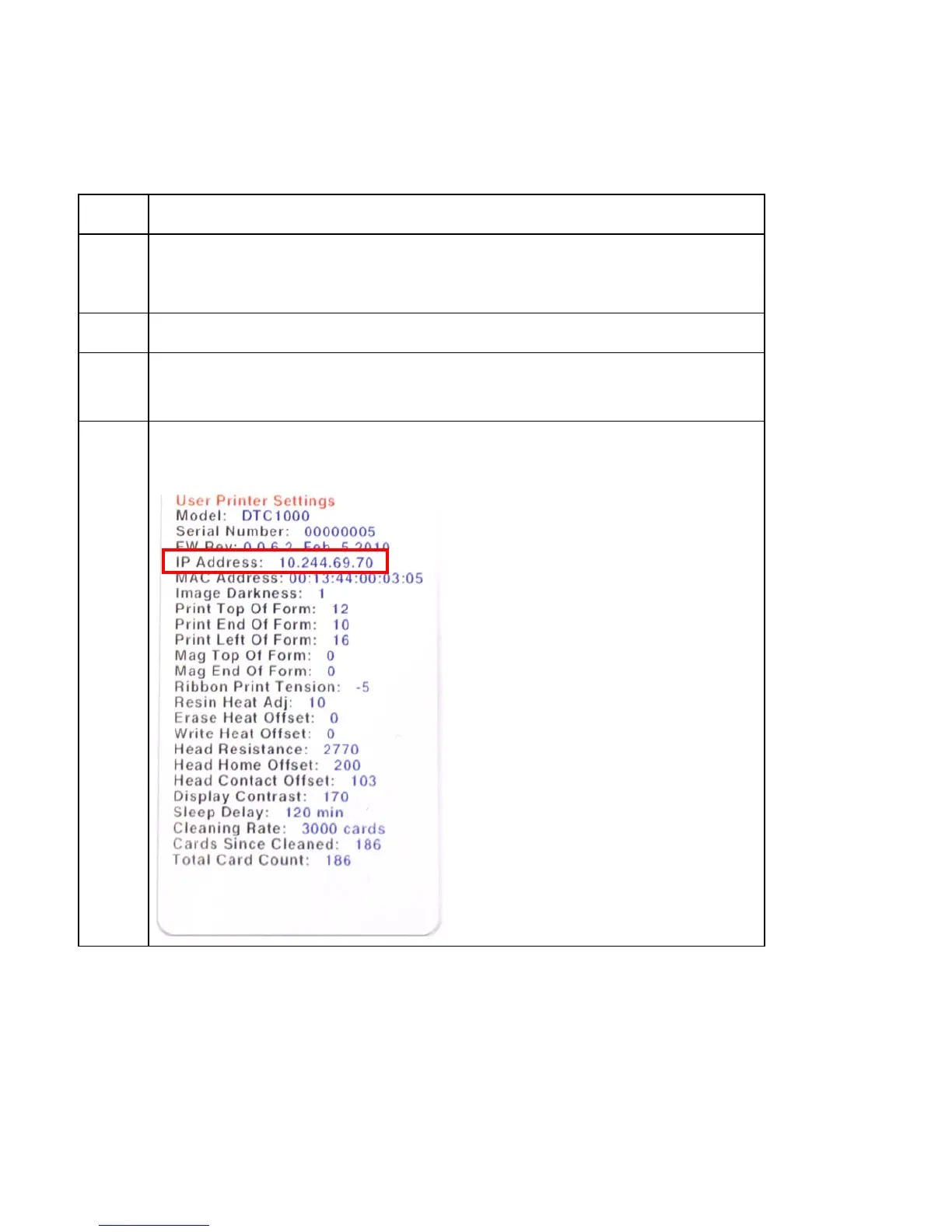
2 Locate the IP address on your Printer and write it down.
3 Find the IP Address on a DTC4500.
a. Navigate through the Printer display to reach the IP address.
4 Find the IP Address.



 To Next Page