© 2010 HID Global Corporation All rights reserved
DTC4500 Card Printer/Encoder User Guide L001444 Rev1.0
60
Changing the Color Profile Selection for the DTC4500
Step Procedure
1 a. From your computer’s startup menu, select Settings > Printers and Faxes
(Windows XP) or Settings > Printers (Windows 2000).
b. Double click on the DTC4500 Card Printer under the Printers window.
c. Select Properties under the Printer drop-down menu. (Note: This will
bring up the DTC4500 Card Printer Properties window.
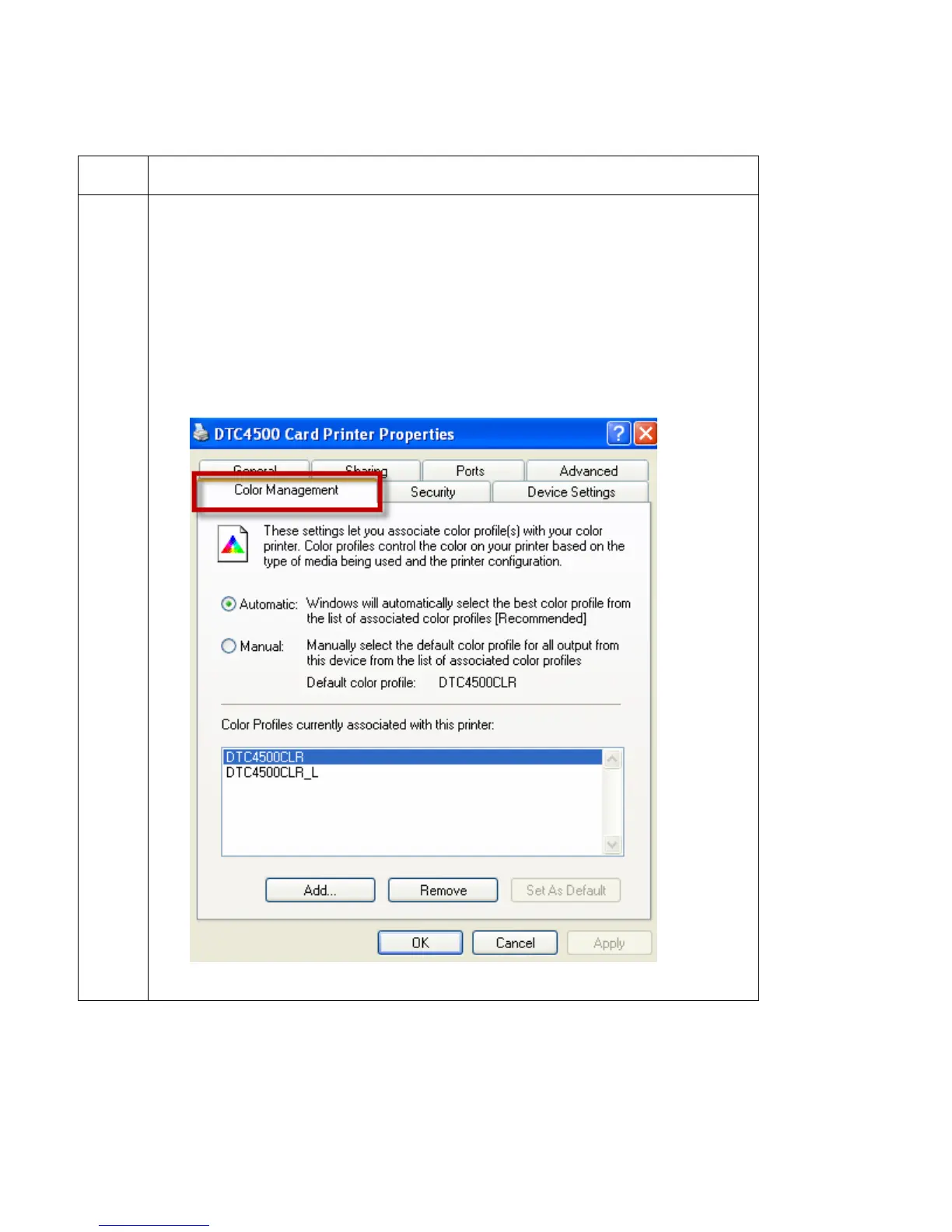
d. Select the Color Management Tab
e. The Default color profile is DTC4500CLR.



 To Next Page