© 2010 HID Global Corporation All rights reserved
DTC4500 Card Printer/Encoder User Guide L001444 Rev1.0
130
Configuring Fluorescent Data (F-Panel for YMCFKO Ribbon)
using the Workbench
Step Procedure
1 From the Driver Printing Preferences, click on Diagnostics to bring up the Fargo
Workbench Printer Utility.
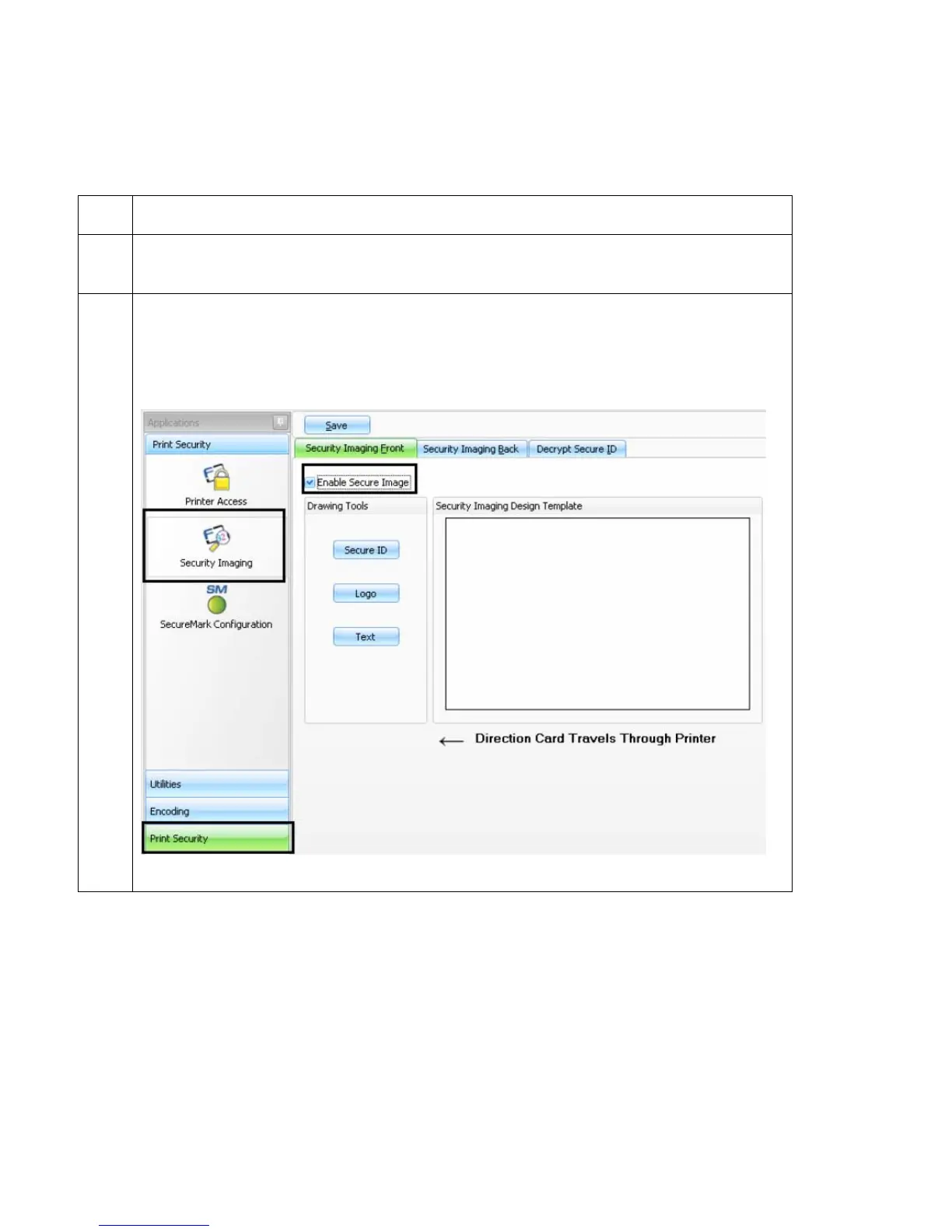
2 a. Click the Print Security applet group and select the Security Imaging applet.
b. Check the Enable Secure Imaging checkbox. (Note: The option for both front
and back are set up the same way.)



 To Next Page