© 2010 HID Global Corporation All rights reserved
DTC4500 Card Printer/Encoder User Guide L001444 Rev1.0
82
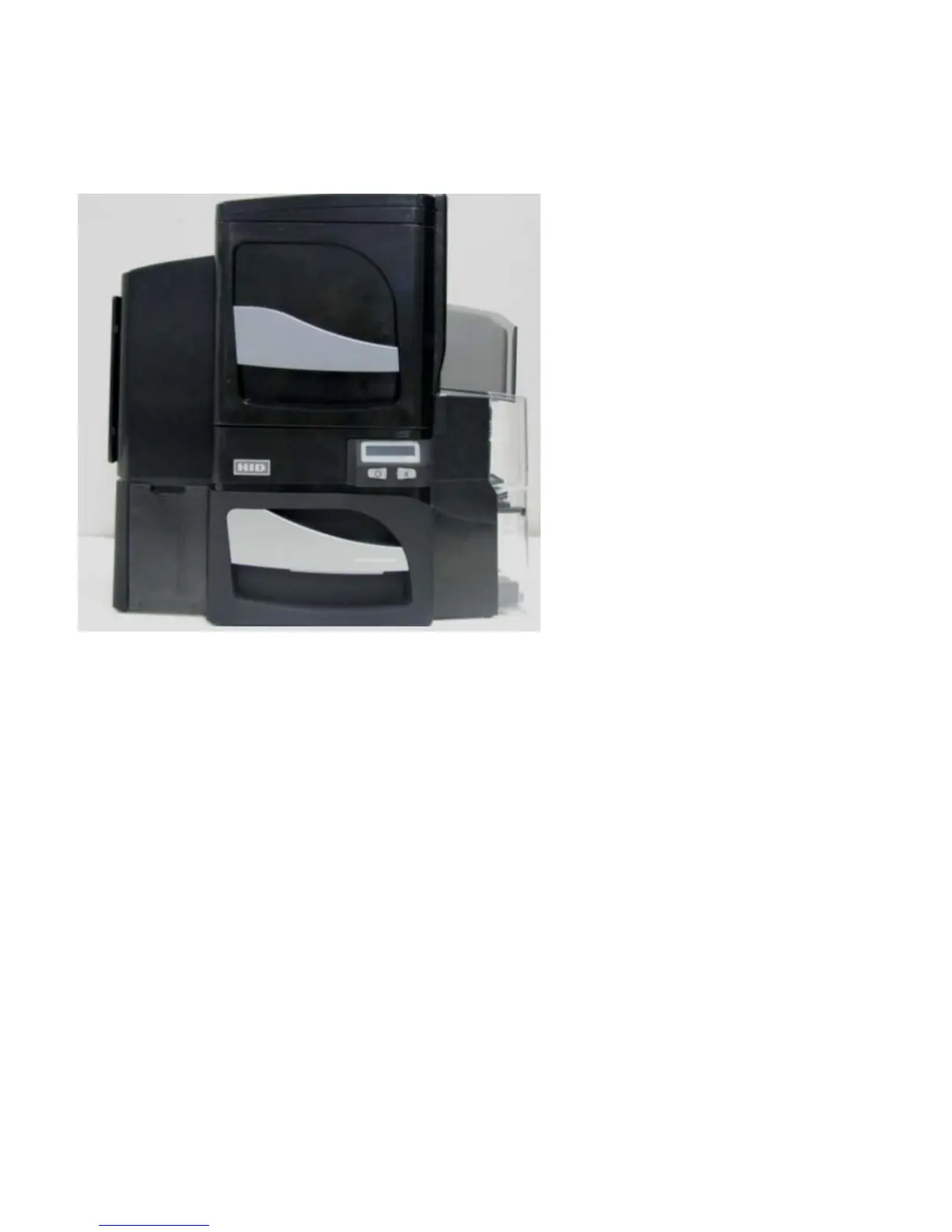
Reviewing the Card Lamination Module
Choosing a Proper Location
Follow these guidelines:
• Place the unit in a location with adequate air circulation to prevent internal heat build-up.
• Use the Printer's dimensions (18.9” H x 18.7” W x 9.2” D) as a guideline for the minimum clearances to
the unit. (Note: Allow for adequate clearance above the unit to accommodate the height of the unit
with its Covers open.)
• Do not install the unit near heat sources, such as, radiators or air ducts.
• Do not install the unit in a place subject to direct sunlight, excessive dust, mechanical vibration or
shock.
Preventing Moisture Condensation
If the unit is brought directly from a cold to a warm location or if the unit is placed in a very damp room,
moisture may condense inside the unit. (Note: If this condition occurs, print quality may not be at its
optimum level.)
Follow this guideline:
• Leave the unit turned OFF in a warm, dry room for several hours before using it. (Note: This will allow
the moisture to evaporate.)



 To Next Page