© 2010 HID Global Corporation All rights reserved
DTC4500 Card Printer/Encoder User Guide L001444 Rev1.0
44
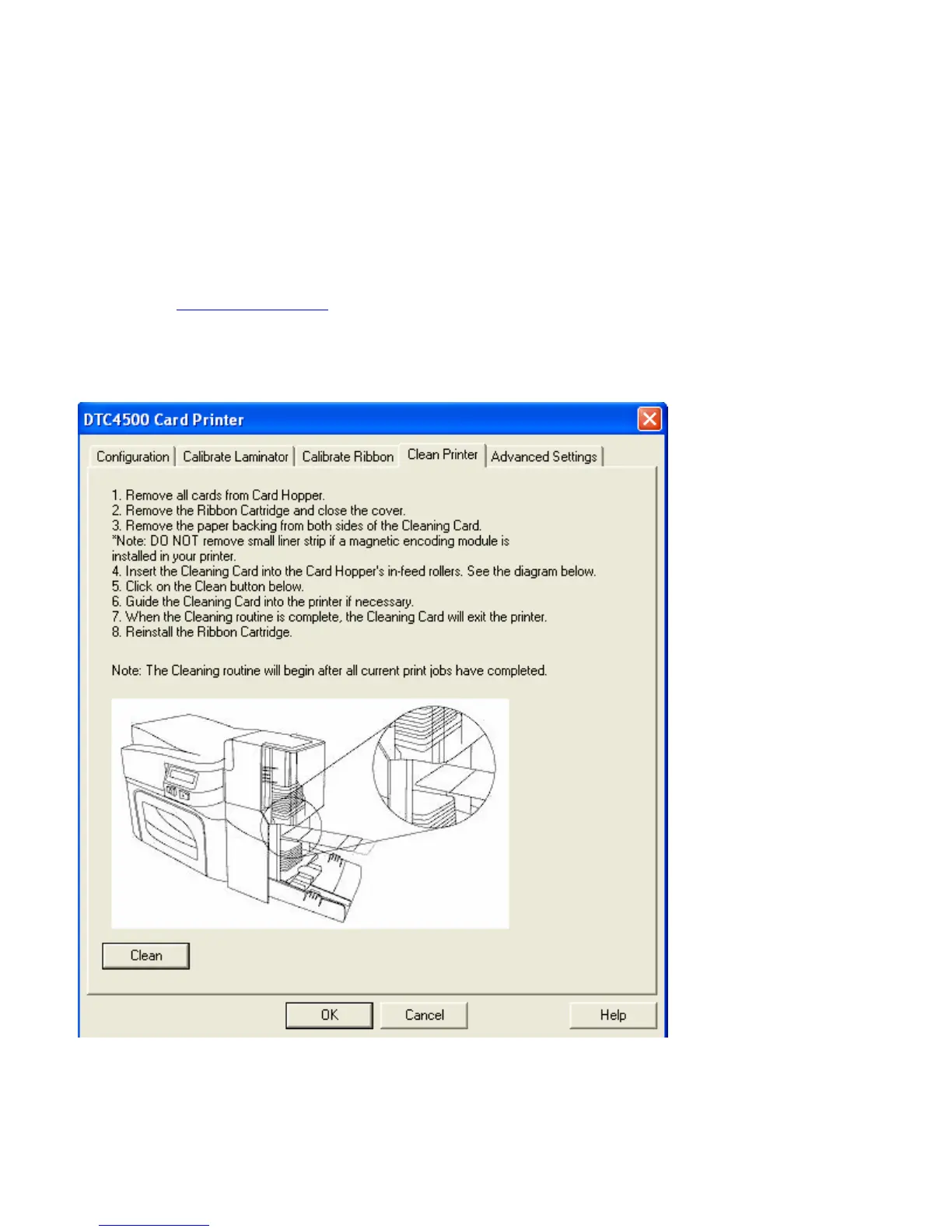
Selecting the Clean Printer tab
The button for the Clean Printer tab is described below.
• Clean Button: Launches cleaning routine. Follow the instruction on the page for setting up the
Printer.
• Help button: Launches help that is specific to this tab.
• Also see Cleaning the Printer
for full instructions.
Selecting the Clean Printer tab



 To Next Page