© 2010 HID Global Corporation All rights reserved
DTC4500 Card Printer/Encoder User Guide L001444 Rev1.0
119
Cleaning the Platen and the Card Feed Rollers
Step Procedure
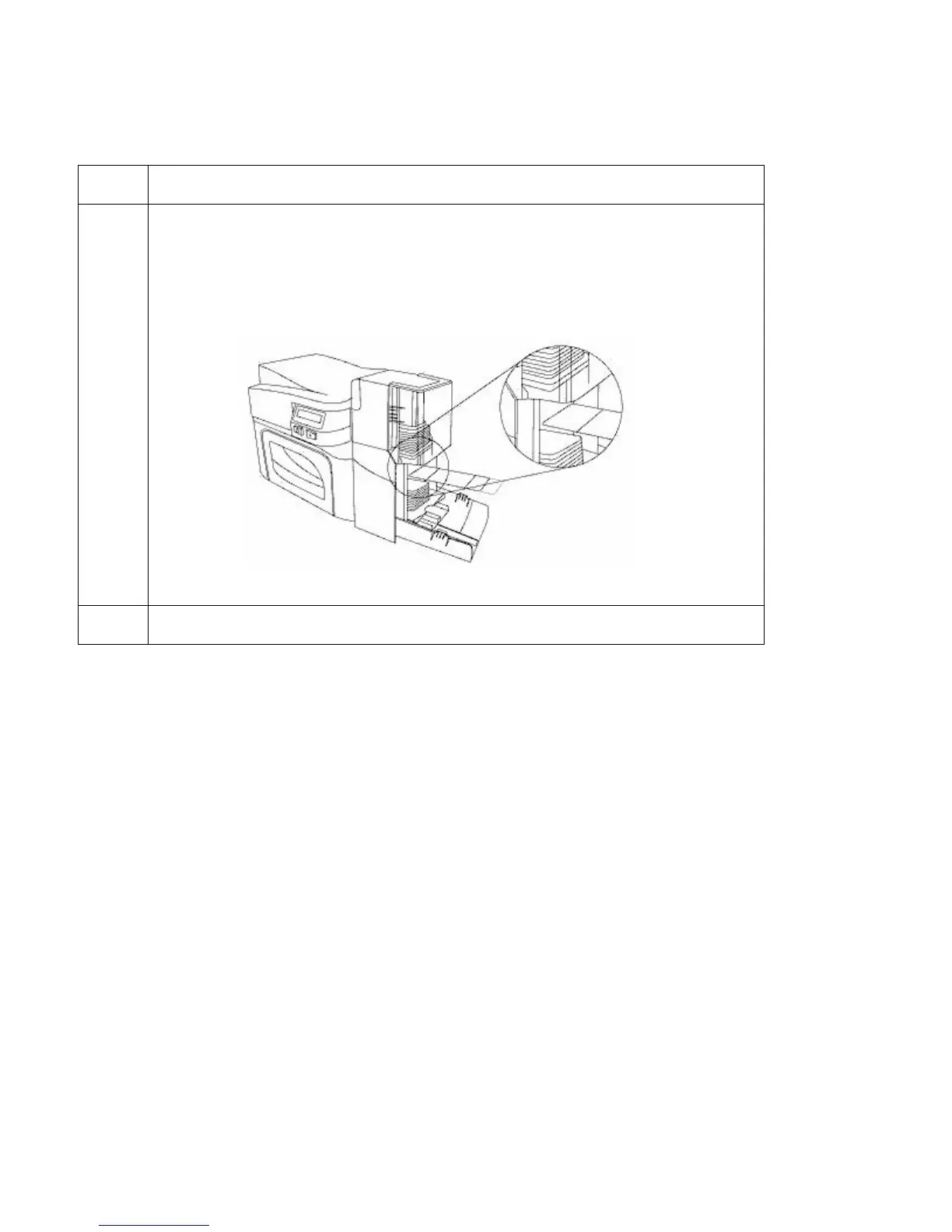
3 Insert the Cleaning Card into the Single Feed Card Slot until the card stops.
If your Printer is equipped with a Magnetic Encoder, you must insert the
Cleaning Card with the printed side up and with the small Liner Strip towards
the front of the Printer.
4 From your computer, open the Printer Driver and select Printing Preferences.



 To Next Page