© 2010 HID Global Corporation All rights reserved
DTC4500 Card Printer/Encoder User Guide L001444 Rev1.0
121
Cleaning the Platen and the Card Feed Rollers
Step Procedure
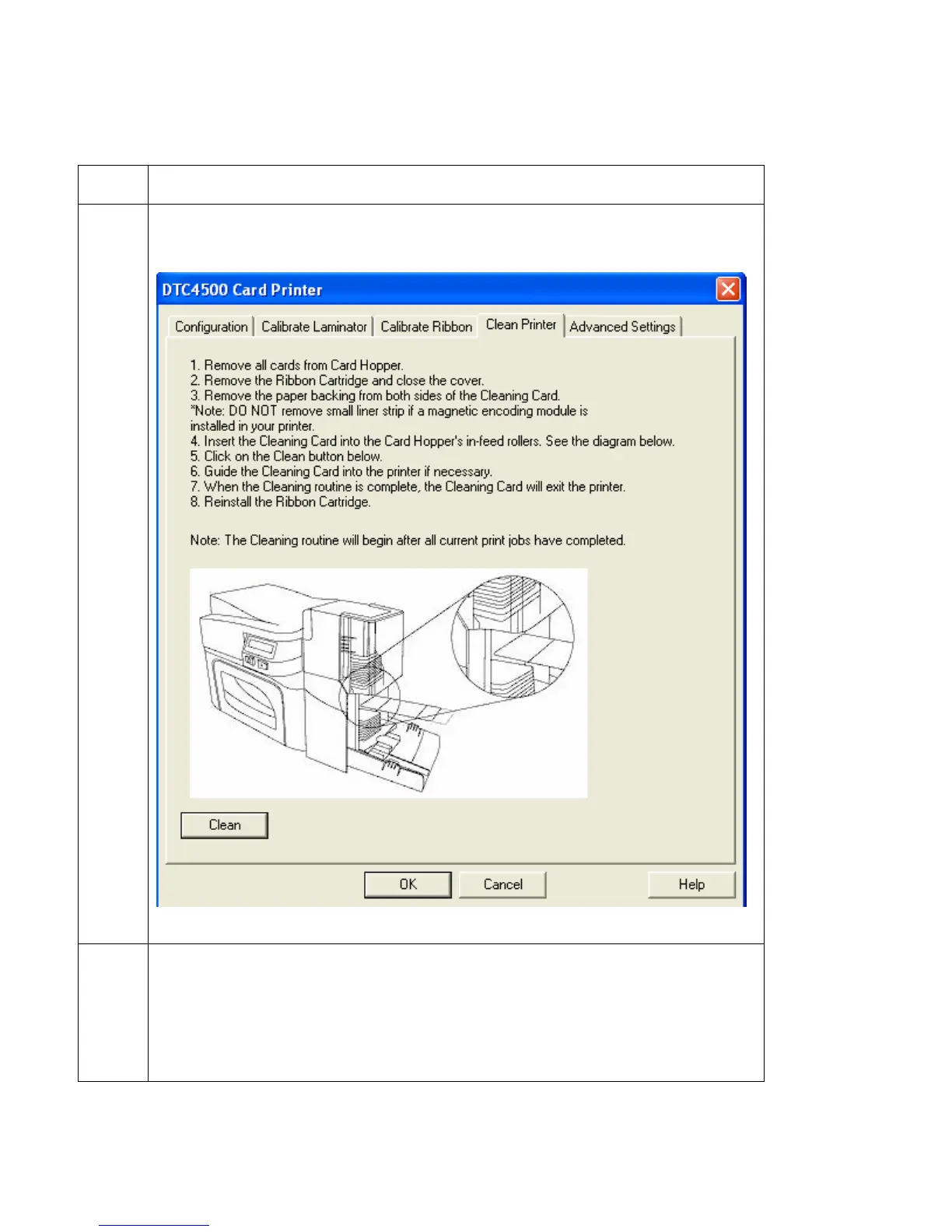
6 Click on the Clean Printer button.
7 Click on the Clean button (shown above).
• The Printer will pull in the Cleaning Card. The Printer will then perform an
automated cleaning procedure.
• This procedure is designed to thoroughly clean the Platen and the Card
Feed Rollers inside the Printer.



 To Next Page