© 2010 HID Global Corporation All rights reserved
DTC4500 Card Printer/Encoder User Guide L001444 Rev1.0
134
Configuring Fluorescent Data (F-Panel for YMCFKO Ribbon) using the
Workbench
Step Procedure
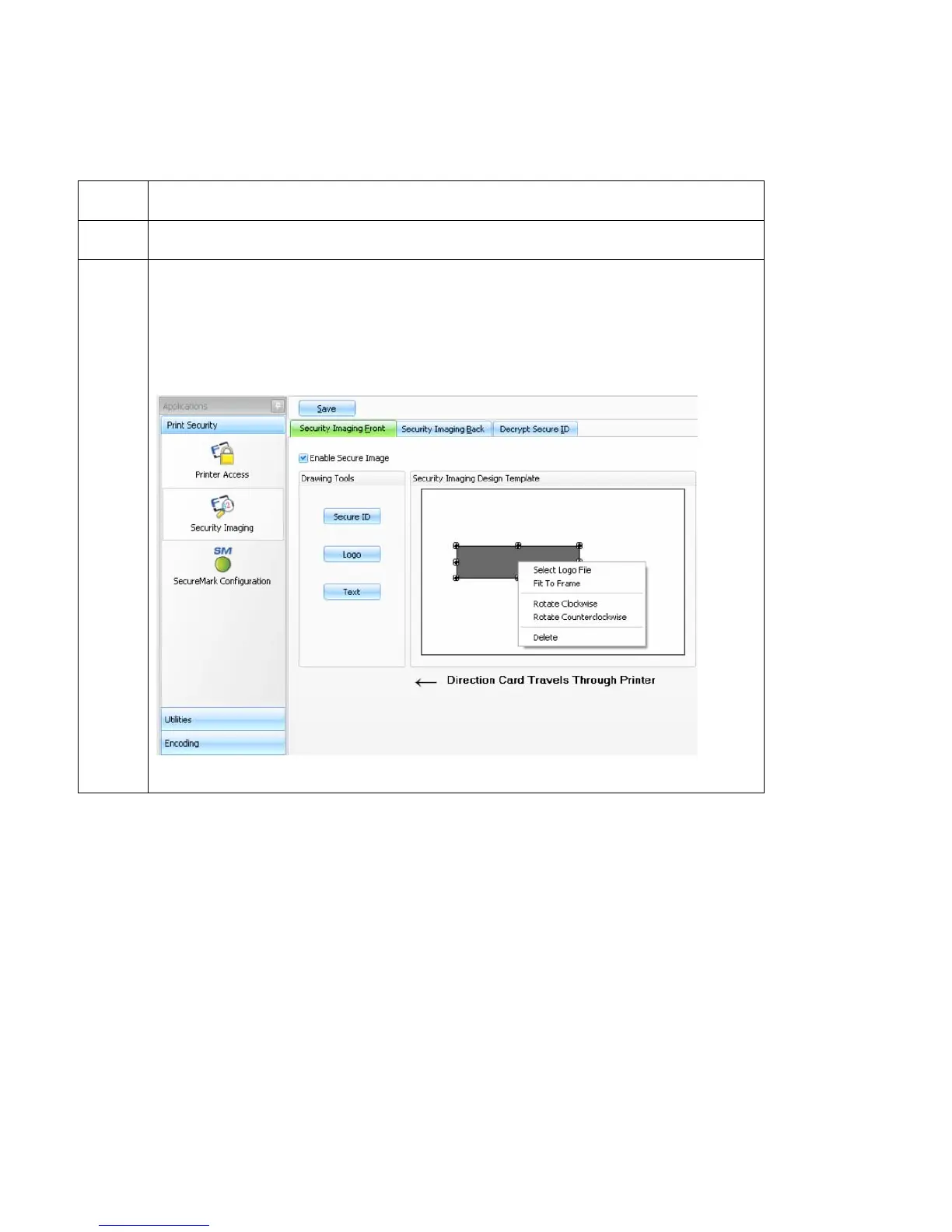
6 On the Template right click on the Logo box for the options shown below.
7 Select the Logo File.
Find the source of the Logo to place on the card. (Note: Fit to Frame will size
the image to fit the box. Once this is set up, this logo will print from the
software program. This is set up in the background.)



 To Next Page