© 2010 HID Global Corporation All rights reserved
DTC4500 Card Printer/Encoder User Guide L001444 Rev1.0
137
Configuring Fluorescent Data (F-Panel for YMCFKO Ribbon) using the
Workbench
Step Procedure
10 Follow the same instruction as above for the back side of the card.
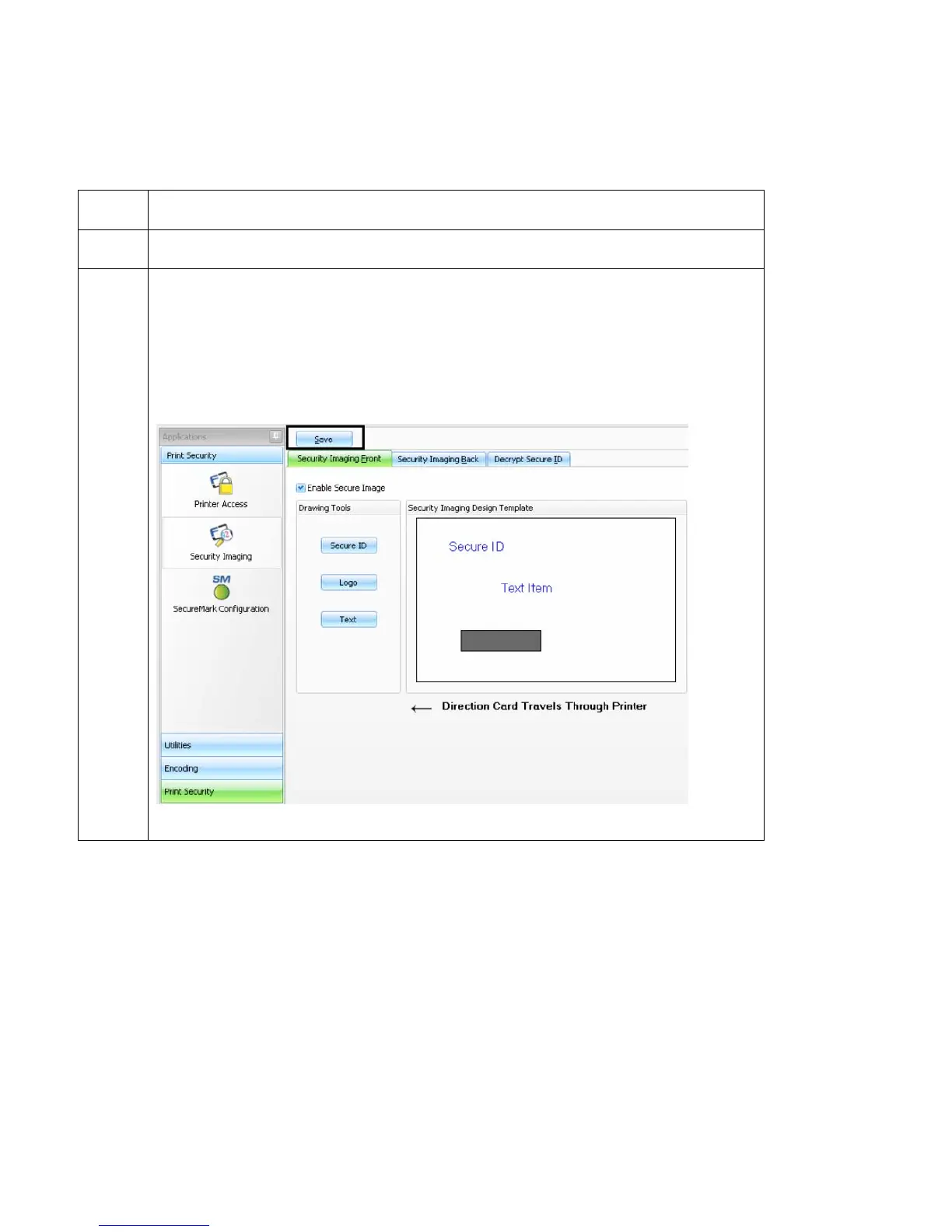
11 a. Save this template using the Save button
b. Close the Workbench. (Note: Any Software program file printed with the
YMCFKO Ribbon installed into the Printer will print this design with the F-
Panel of the Ribbon. It will print the same file each time unless you recreate
a new template.)



 To Next Page