© 2010 HID Global Corporation All rights reserved
DTC4500 Card Printer/Encoder User Guide L001444 Rev1.0
22
Using the Dual Hopper
Step
Procedure
4
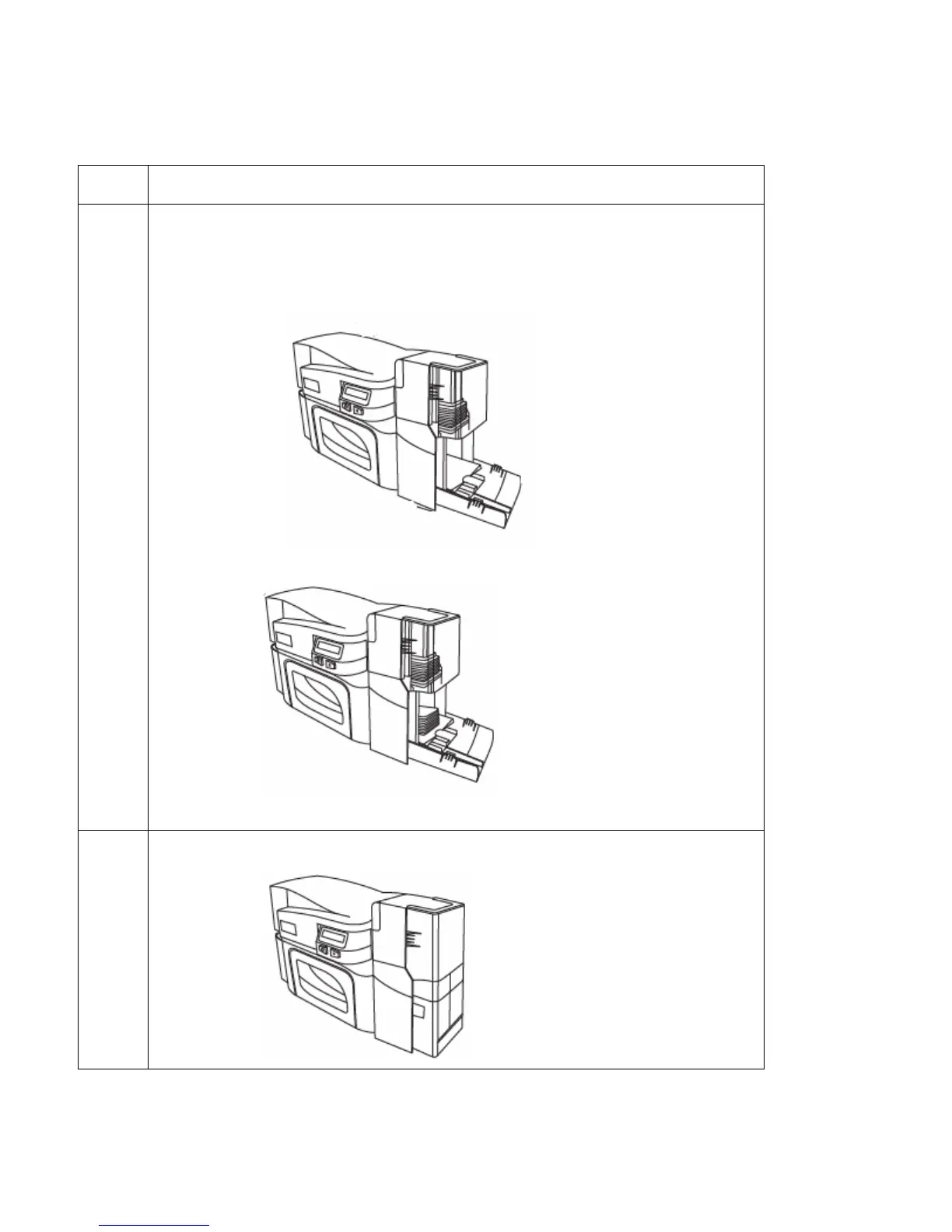
Load up to 100 cards into the Hopper with the print side down. (Note: If using
cards with a magnetic stripe, the magnetic stripe should be loaded with the
stripe up and to the front of the Printer.)
Display: Card loaded into the upper Hopper of DTC4500 Dual Hopper
Display: Cards loaded into lower Hopper of DTC4500 Dual Hopper
5
Close the Card Hopper Cover to release the lever to the printing position.



 To Next Page